

Product Overview
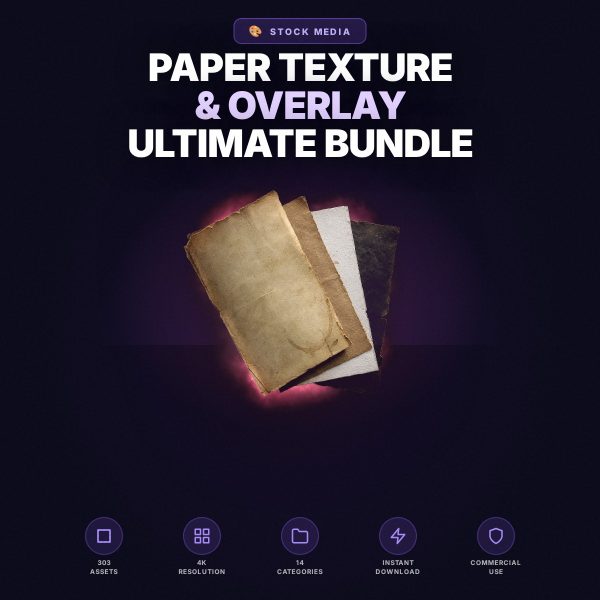
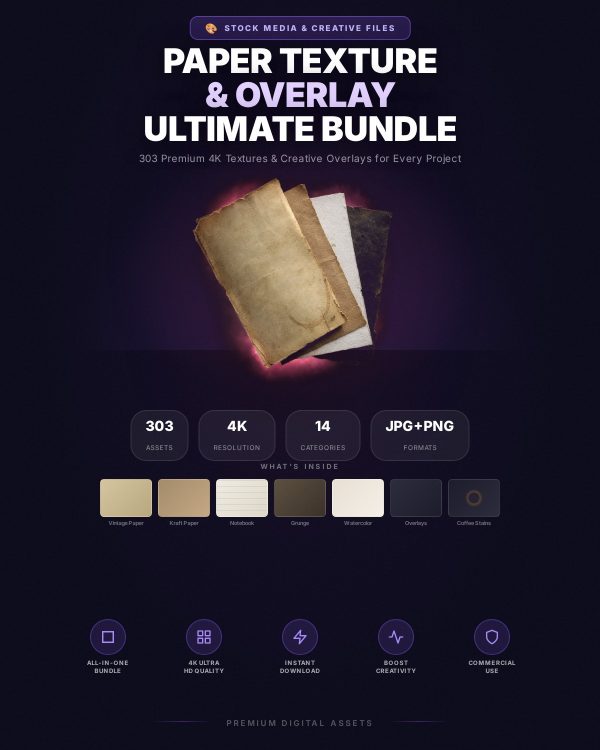
Flat, digitally clean backgrounds can make a design feel lifeless next to work built with real texture. The Paper Texture & Overlay Bundle is built to add that missing depth: aged and kraft paper surfaces, notebook pages, grunge and watercolor paper, alongside transparent overlay effects such as fold marks, coffee stains, dust, film grain, scratches, light leaks and torn paper edges.
The textures are designed as high-resolution image files meant to be layered under or over your own artwork, so you keep full control of the final composition while borrowing the imperfect, tactile look of real paper and film.
Key Features
- Multiple paper texture styles — vintage aged paper, natural kraft, notebook and grid pages, grunge surfaces, and watercolor paper.
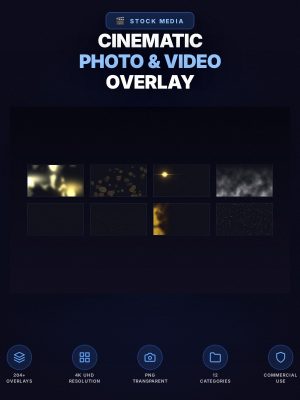
- Transparent overlay effects — fold marks, coffee stains, dust and particles, film grain, scratches, light leaks, shadow overlays, and torn paper edges.
- High-resolution image files — sized for use across print, web, and social media without visible pixelation.
- Layer-friendly formats — textures and transparent overlays designed to be stacked and blended in any layer-based editor.
- Organized by category — textures and overlays grouped by type so you can find the right effect quickly.
- Broad software compatibility — works in any editor that supports JPG and PNG layers with blend modes.
- Commercial use included — use the textures in client work and products you sell.
What’s Included
This listing describes a paper texture and overlay collection delivered as JPG texture files and transparent PNG overlay files, organized into folders by category, along with a usage reference guide. The exact file count and folder breakdown are confirmed at the point of delivery; this description covers the styles and categories the product is built around rather than a verified file-by-file inventory.
- Paper textures — JPG files covering vintage, kraft, notebook, grunge, and watercolor paper styles.
- Creative overlays — transparent PNG files covering fold marks, stains, dust, film grain, scratches, light, shadow, and torn-edge effects.
- Usage guide — reference material explaining how to layer and blend the textures and overlays in common editors.
Who This Is For
- Graphic designers adding depth and authenticity to posters, branding, and layouts.
- Photographers creating vintage, film, or textured photo edits.
- Digital artists building atmospheric backgrounds and layered compositions.
- Scrapbookers crafting paper-style collages with authentic torn and folded edges.
- Social media and web creators who want a textured, less digital-looking backdrop for their content.
Why Choose This Product
- Broad style coverage — paper textures and overlay effects are grouped in one collection instead of separate purchases.
- Built for layering — the transparent overlays are made to stack, so you can combine multiple effects for a unique result.
- Editor-agnostic — JPG and PNG formats work in virtually any layer-based image editor.
- Commercial licence included — use the textures across client and commercial projects without a separate licence purchase.
How To Use
- Download and extract the files, then review the included usage guide for an overview of the folder structure.
- Open your design or photo in a layer-based editor and place a paper texture as a background layer.
- Add one or more transparent PNG overlays above your content and set their blend mode (typically Screen or Multiply) to taste.
- Adjust opacity until the texture supports your design without overpowering it, then flatten and export.
Frequently Asked Questions
What format are the files? Paper textures are delivered as JPG images and overlay effects as transparent PNG images, along with a usage guide.
Can I edit the files? The textures and overlays are ready-to-use image assets meant to be layered and blended with your own artwork; they are not editable template files themselves.
What software do I need? Any image editor that supports layers and blend modes, such as Photoshop, GIMP, Affinity Photo, or Canva.
Is this for personal or commercial use? Both. Personal and commercial use are permitted, including client design work. Resale or redistribution of the raw texture and overlay files themselves is not permitted.
What is the refund policy? As a digital download the product is non-refundable once downloaded. If a file is missing or corrupted, contact us and we will replace it.
Can I stack multiple overlays on one image? Yes, the overlays are designed to be layered together for a more complex, atmospheric result.
Do the textures work for both print and web projects? Yes, the high-resolution files are suited to both print layouts and digital or social media use.
Will the paper textures look the same in every editor? Blend mode results can vary slightly between editors, so it is worth testing opacity and blend mode on your specific software before finalizing a design.
Bonus
A usage reference guide is included alongside the texture and overlay files, walking through recommended blend modes and layering approaches so you can get a polished result on your first attempt rather than trial and error.


Reviews
There are no reviews yet.