


Product Overview
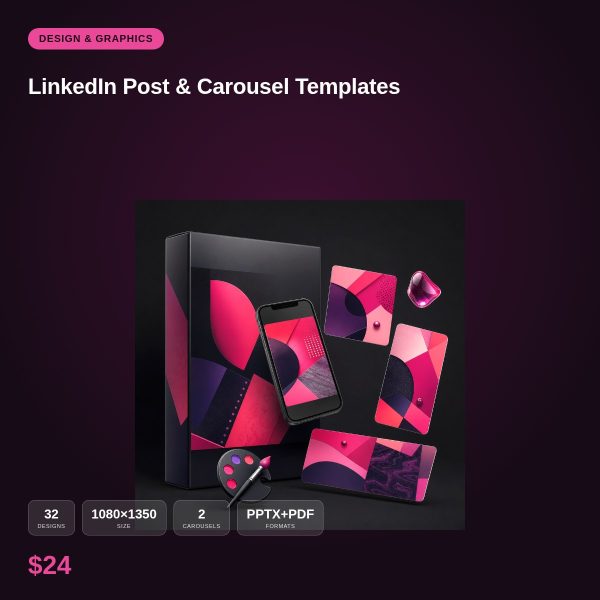
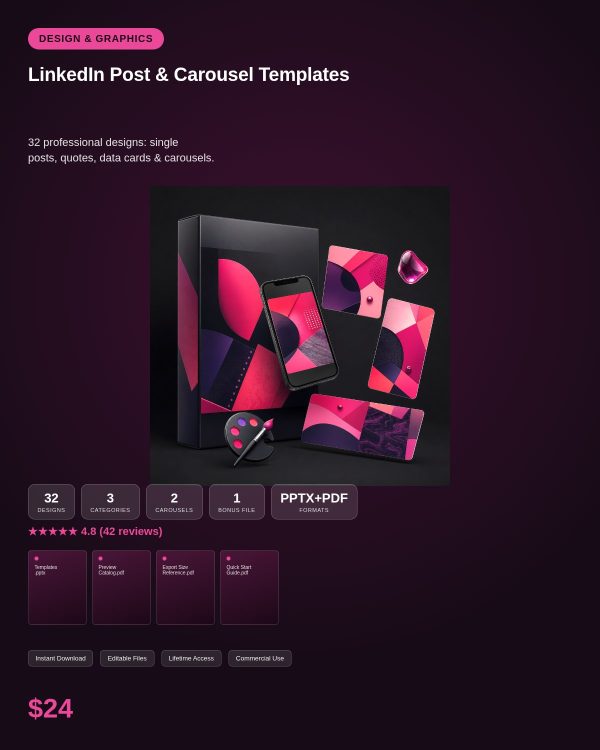
LinkedIn rewards content that looks considered, and plain text-only posts increasingly get lost in the feed. LinkedIn Post Templates gives you 30+ professional layouts for single posts and multi-slide carousels, built around the content formats that perform on the platform: data points, tips, quotes and thought leadership statements.
Instead of formatting a carousel slide by slide from a blank document, you start from a layout that already handles the hierarchy, spacing and pacing, and focus your time on the message itself.
Key Features
- 30+ LinkedIn-optimized designs for both single posts and multi-slide carousels
- Data visualization layout options for sharing stats and insights
- Quote card and tip card templates for short, punchy posts
- Consistent, professional visual style suited to a business audience
- Editable PPTX files with a matching PDF preview
- Compatible with PowerPoint, Google Slides, LibreOffice Impress or Canva
- Carousel slides built with consistent numbering and pacing for easy swiping
- Personal and commercial licence, suitable for brand and client accounts
What’s Included
Delivered as a single ZIP file with editable PowerPoint (PPTX) designs and a PDF preview, grouped by post type.
- Single post templates for quotes, tips and announcements
- Multi-slide carousel templates for step-by-step or listicle content
- Data visualization slide layouts for sharing statistics and insights
- Quote and tip card templates
- PDF preview showing the full set of designs
Who This Is For
- Professionals building a personal brand or thought leadership presence
- Founders and consultants who want their company page to look polished
- Marketing teams that publish regular data and insight posts on LinkedIn
- Recruiters and coaches sharing tips and advice content
- Freelance social media managers producing content for client LinkedIn pages
Why Choose This Product
- Designed around LinkedIn’s audience and format expectations, not generic social templates
- Carousel layouts handle multi-slide pacing so your message flows logically
- Data visualization slides make statistics easier to read than a plain text post
- Commercial licence covers freelance and agency use on client accounts
How To Use
- Unzip the download and review the PDF preview to pick your designs
- Open the matching PPTX file in PowerPoint, Google Slides, LibreOffice Impress or Canva
- Replace the placeholder text, data and brand colors with your own content
- Export slides as PNG or PDF and upload as a LinkedIn post or document carousel
Frequently Asked Questions
What format are the files? Each design is delivered as an editable PPTX slide plus a PDF preview so you can see the layout before opening it in an editor.
Can I edit the files? Yes. Every PPTX file is fully unlocked, so you can change text, colors, fonts and images. The PDF is a preview only and is not meant to be edited.
What software do I need? Microsoft PowerPoint, Google Slides, LibreOffice Impress or Canva (via PPTX import). No paid plugin or subscription is required.
Is this for personal or commercial use? Both. Personal and commercial use are allowed, including client and business projects. Reselling, redistributing or repackaging the raw template files themselves is not permitted.
What is the refund policy? This is a digital download, so it is non-refundable once the files have been downloaded. If a file is missing or will not open, contact us and we will send a replacement.
Do the carousel templates work with LinkedIn’s native document post format? Yes, export the slides as PDF or images and upload them as a LinkedIn carousel document post.
Are these suited to a company page or only personal profiles? Both. The layouts are neutral enough for personal thought leadership and company page content alike.
Can I add my own data or statistics to the visualization slides? Yes, the chart and stat placeholders are fully editable, so you can enter your own figures.
Bonus Materials
Each purchase includes a bonus set of carousel-structure prompts (hook, problem, solution, call to action) to help you plan multi-slide posts faster.









Reviews
There are no reviews yet.