


Product Overview
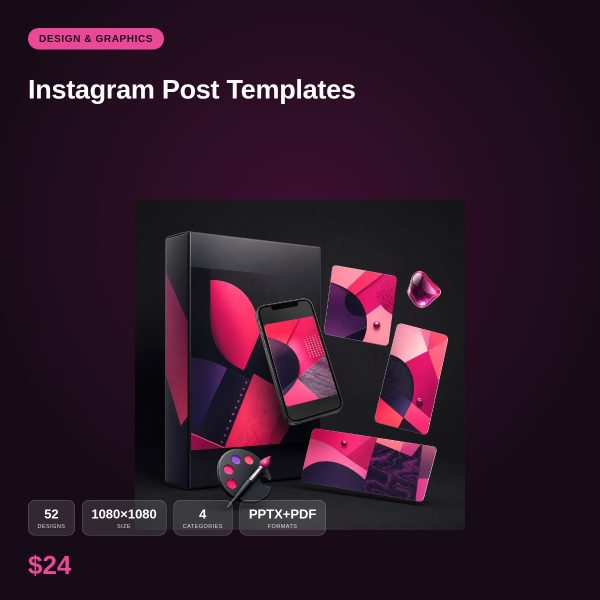
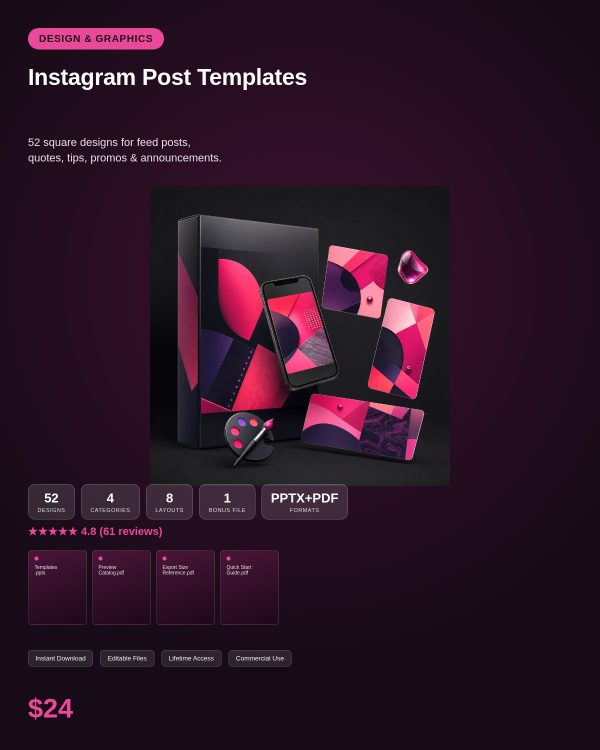
A feed that looks planned instead of improvised is one of the fastest ways to look more credible online, but designing every single post from a blank square is slow. Instagram Post Templates gives you 50+ ready-made 1080×1080 designs so you can focus on the message instead of the layout.
The pack is organized around the post types you actually publish week to week: quotes, tips, promotions and announcements, each available in three distinct visual styles so your grid does not start to look repetitive after the tenth post.
Key Features
- 50+ unique square post designs sized at 1080×1080 for a clean Instagram grid
- Four core categories: quotes, tips, promotions and announcements
- Three visual styles per category, so recurring post types still look fresh
- Editable PPTX files with a PDF preview of each finished design
- Works with PowerPoint, Google Slides, LibreOffice Impress or Canva
- Consistent typography and spacing so your feed reads as one cohesive brand
- Simple layouts that stay legible even when viewed as a small thumbnail
- Personal and commercial licence, suitable for client and agency work
What’s Included
Delivered as a single ZIP file containing editable PowerPoint (PPTX) designs and a PDF preview, grouped by post category.
- Quote post templates in three visual styles
- Tip and advice post templates in three visual styles
- Promotion and offer post templates in three visual styles
- Announcement post templates in three visual styles
- PDF preview showing every design at a glance
Who This Is For
- Small business owners who need a steady stream of on-brand Instagram posts
- Social media managers juggling multiple accounts who need a fast starting point
- Coaches and creators who post quote and tip content regularly
- E-commerce sellers who run frequent promotions and need matching graphics
- Anyone who wants their grid to look consistent without hiring a designer
Why Choose This Product
- Purpose-built for the square format instead of a generic template resized to fit
- Three styles per category means less visual repetition across your feed
- Editable PPTX gives you full control over every element, not a locked Canva-only link
- Commercial licence covers freelance and agency use on client accounts
How To Use
- Unzip the download and review the PDF preview to choose your designs
- Open the matching PPTX file in PowerPoint, Google Slides, LibreOffice Impress or Canva
- Swap in your own text, brand colors, fonts and images
- Export as a 1080×1080 JPG or PNG and upload directly to Instagram
Frequently Asked Questions
What format are the files? Each design is delivered as an editable PPTX slide plus a PDF preview so you can see the layout before opening it in an editor.
Can I edit the files? Yes. Every PPTX file is fully unlocked, so you can change text, colors, fonts and images. The PDF is a preview only and is not meant to be edited.
What software do I need? Microsoft PowerPoint, Google Slides, LibreOffice Impress or Canva (via PPTX import). No paid plugin or subscription is required.
Is this for personal or commercial use? Both. Personal and commercial use are allowed, including client and business projects. Reselling, redistributing or repackaging the raw template files themselves is not permitted.
What is the refund policy? This is a digital download, so it is non-refundable once the files have been downloaded. If a file is missing or will not open, contact us and we will send a replacement.
Are these templates only for square posts? Yes, this pack is dedicated to the 1080×1080 feed format. Story-format templates are covered in a separate pack.
Will the text still be readable as a thumbnail? Yes, layouts use bold, simplified typography designed to stay legible even at small feed sizes.
Can I use these for a client’s Instagram account? Yes, the commercial licence covers agency and freelance use on client accounts.
Bonus Materials
Each purchase includes a short set of caption-writing prompts matched to the quote, tip, promotion and announcement categories, so you are never stuck staring at an empty caption box.





Reviews
There are no reviews yet.