









Four invoice layouts for the four ways freelancers actually bill
You get paid in USDT, and the invoice template you found online was written for a bank transfer. It has no network line, no address block, no conversion-rate record — so you retype the payment details into a chat message every time, and hope your client sends on the right network.
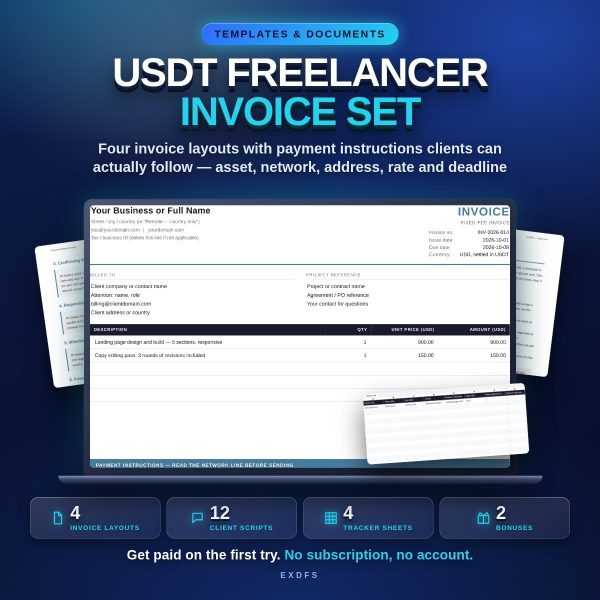
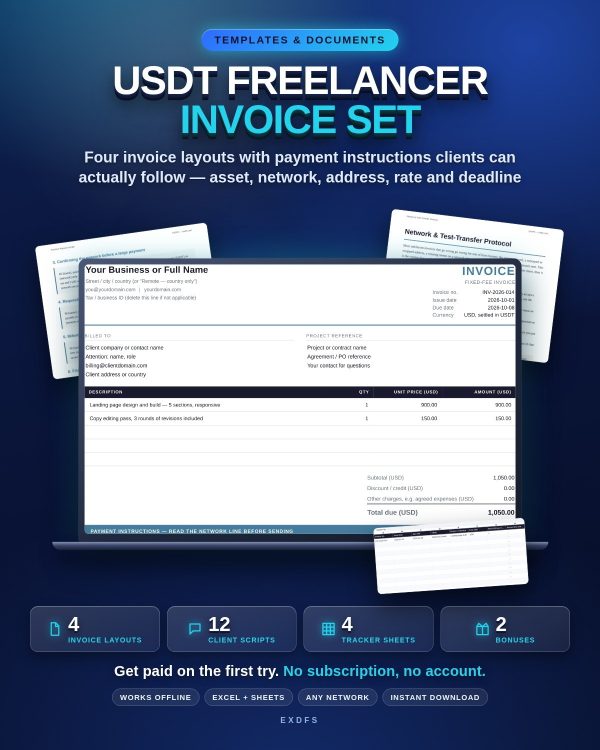
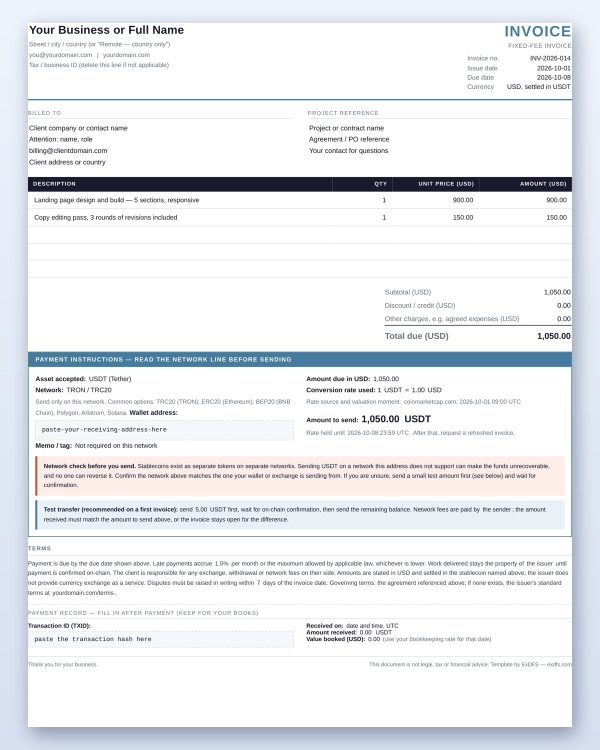
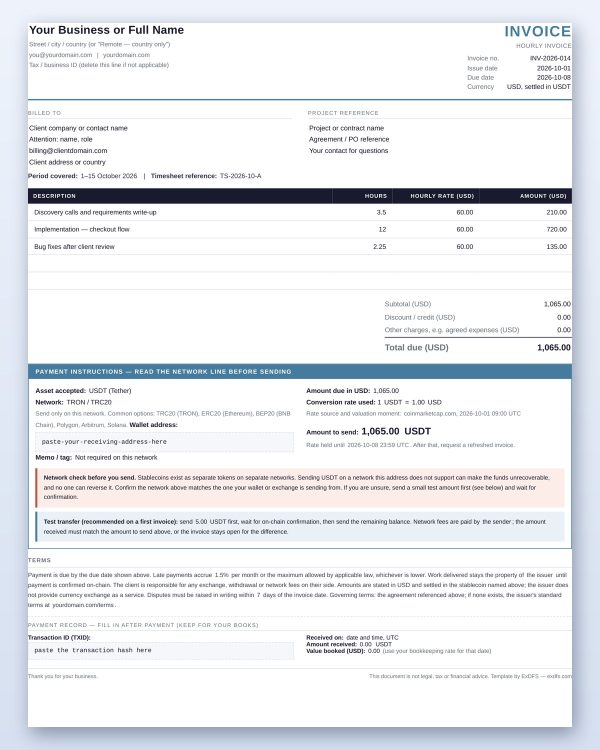
This set fixes that. Four editable invoices — fixed fee, hourly, milestone or deposit, and monthly retainer — each with a payment block designed for stablecoins: asset, network, address, memo, and the exact amount to send with the rate you used and the moment you took it. Open them in your browser, click a field, type. The line amounts, the subtotal, the total and the amount due in the token calculate themselves. Press Ctrl+P and you have a clean, professional PDF.
The payment block that stops wrong-network transfers
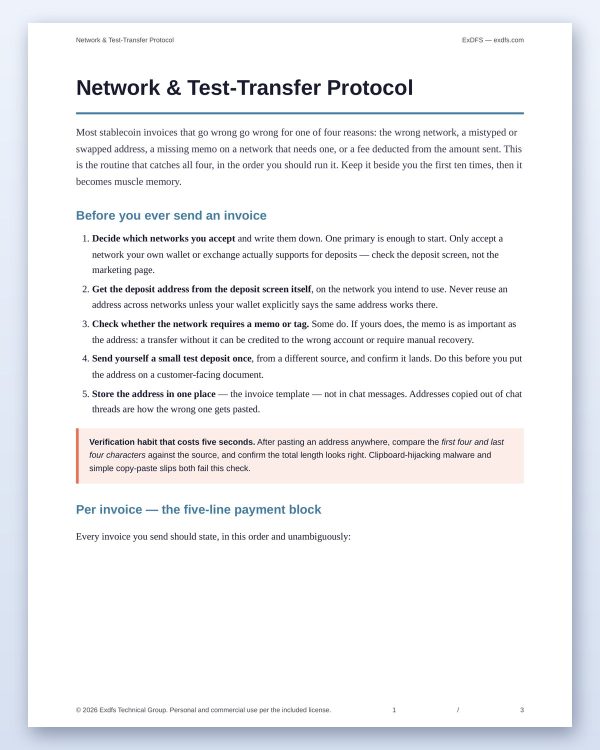
The most expensive mistake in stablecoin freelancing is a transfer sent on a network the receiving address does not support. Every layout in this set states one asset and one network, unmistakably, at the top of the payment section, and includes a plain-language network warning and a test-transfer line your client can follow without knowing anything about blockchains. The included protocol document walks you through address verification, memos, fees deducted from transfers, and the red flags that precede payment fraud.
Twelve client messages, from “how do you want to be paid” to “paid in full”
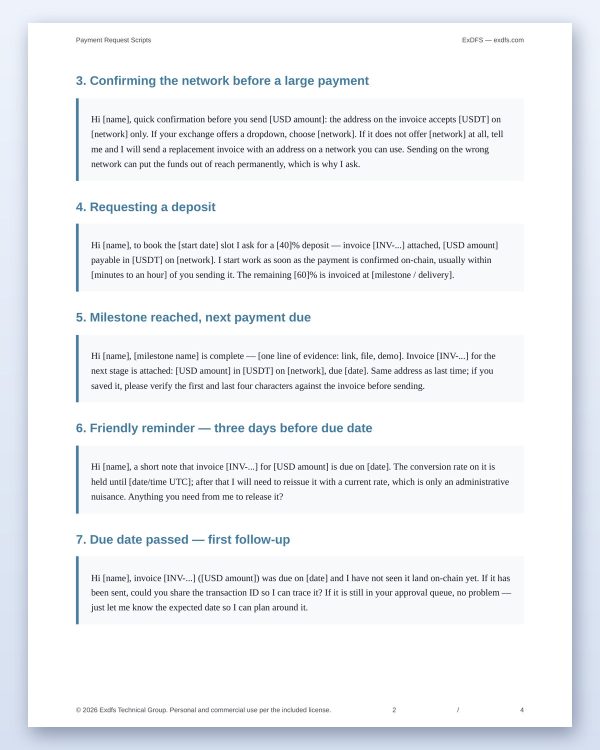
Agreeing stablecoin payment before the work starts. Sending the first invoice. Confirming the network before a large transfer. Requesting a deposit. Milestone reached. Reminders at three days before, on the day, one week late and two weeks late. And the three conversations nobody prepares for: payment arrived on the wrong network, payment arrived short because the platform took its fee, and the conversion rate expired. Copy, adapt the brackets, send.
A tracker that tells you what is outstanding and what arrived short
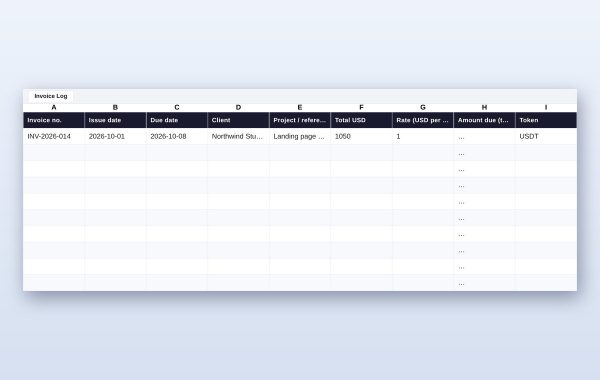
The four-sheet workbook logs every invoice, calculates the token amount, the outstanding balance and the days overdue, rolls it up per client, and gives you a one-screen summary: total invoiced, total received, outstanding, collection rate, and rate variance — the difference between what you invoiced and what actually landed. A persistent negative variance means fees are being deducted from your transfers, which is a terms problem, not a pricing problem. No live connection: your client and payment data never leaves your computer.
What is inside the download
- 4 editable invoice layouts (HTML, work offline in any browser, auto-calculating)
- 5 print-ready PDF invoices, including all four layouts in one file
- 12 client payment scripts (PDF)
- Network & test-transfer protocol (PDF)
- 4-sheet invoice tracker (XLSX for Excel, LibreOffice or Google Sheets)
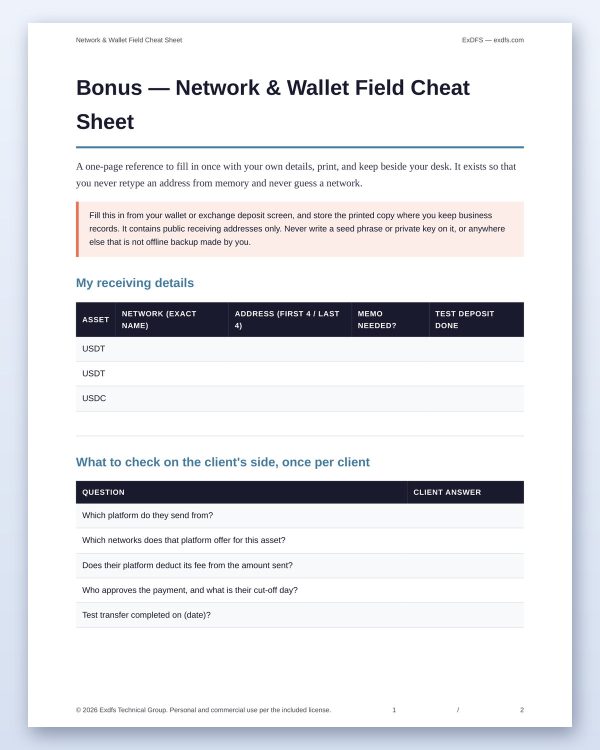
- Bonus: network & wallet field cheat sheet to fill in and print
- Bonus: invoice numbering and filing system
- Quick start guide, README and license
Requirements and compatibility
Any modern browser for the invoices — no installation, no internet connection needed after download. Excel, LibreOffice Calc or Google Sheets for the tracker; one column of the client ledger uses a function that needs Excel 2019 or newer, and degrades gracefully in older versions. A PDF reader for the guides. Instant download; the payment gateway on this store is cryptocurrency.
License and support
One-time purchase, not a subscription: there is no account to create and nothing to cancel. Use the files for unlimited client work, personal and commercial. You may not resell or redistribute the files themselves. Full terms are in the included license. Questions? Contact us through this store page.
This product is a set of documents and a spreadsheet. It is not legal, tax or financial advice, it does not detect payments on-chain, and it never asks for a seed phrase or private key.













Reviews
There are no reviews yet.