

Product Overview
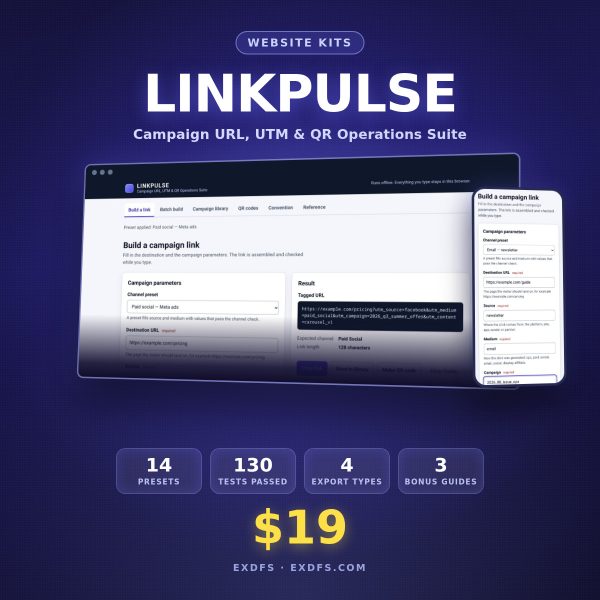
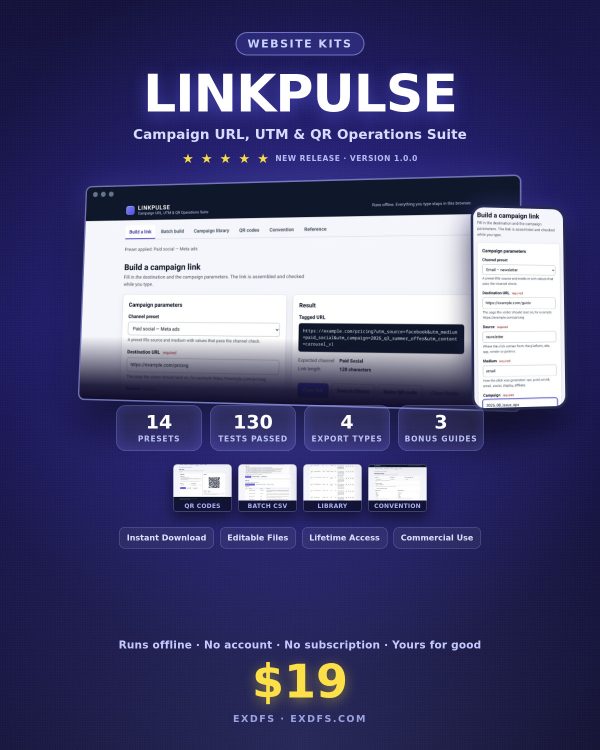
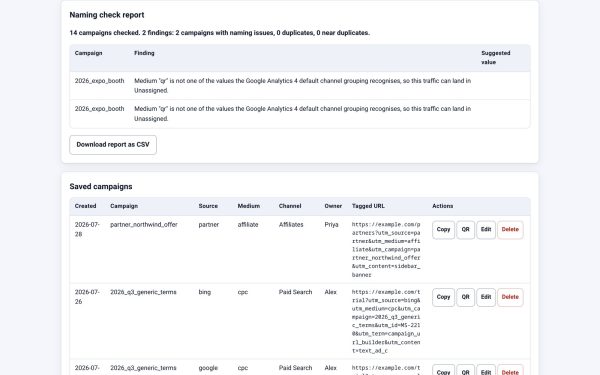
LINKPULSE fixes a problem every marketing team runs into: one person writes Email, another writes email, a third writes e-mail, and three rows in analytics turn out to be the same channel. LINKPULSE is a single web app you open from your own computer that builds campaign tracking links, enforces the naming convention you choose, keeps every link in a searchable library, and turns any of them into a printable QR code.
There is no account, no server, and no subscription, and nothing you type ever leaves your browser. It is built for marketers, agencies, and anyone who owns campaign tracking and wants links that stay consistent across a team.
Key Features
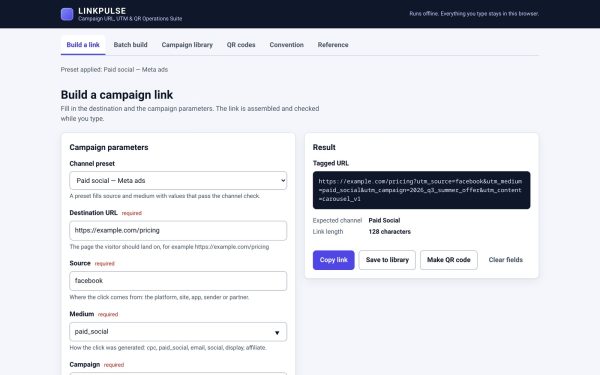
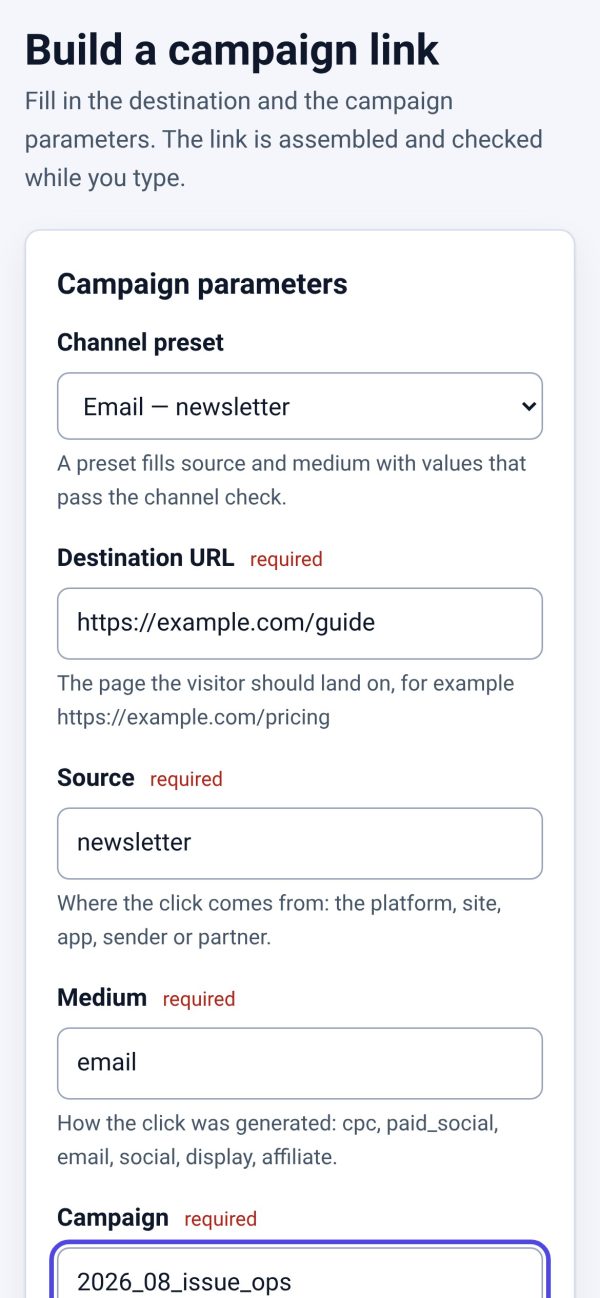
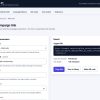
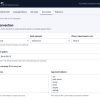
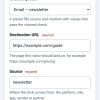
- Guided link builder — pick a channel preset, type the destination and campaign name, and get a corrected, consistent tracking link.
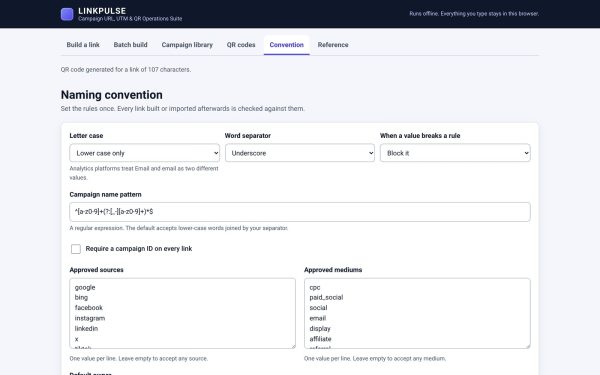
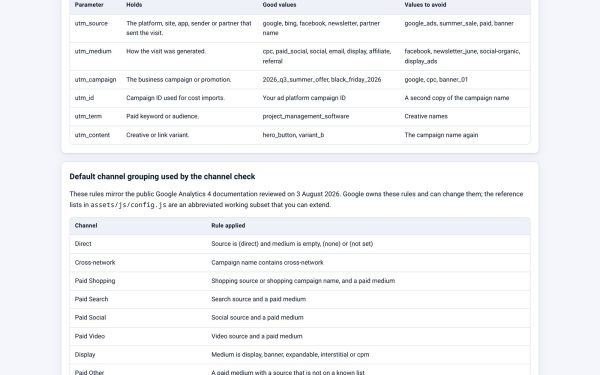
- Automatic convention enforcement — capital letters, spaces, and the wrong separator are corrected as you type.
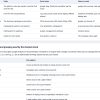
- Five naming-convention presets included — Strict Lowercase Underscores, Lowercase Hyphens, Agency Multi-Client, Paid Media with Campaign ID, and Learning Mode.
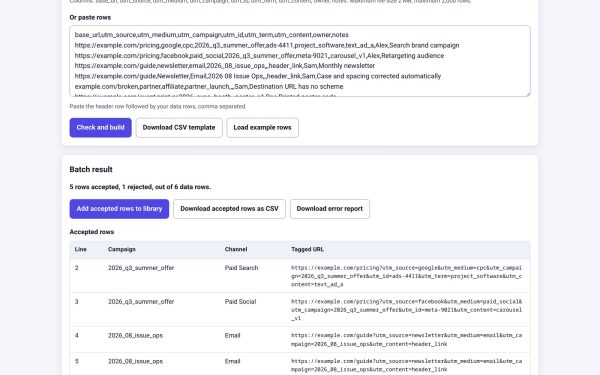
- CSV batch import for creating a full set of campaign links at once instead of one at a time.
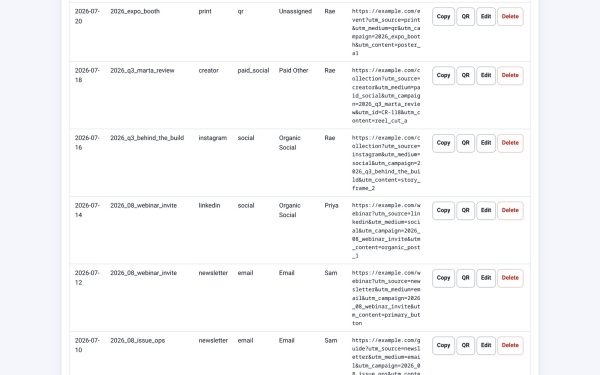
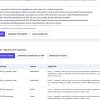
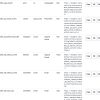
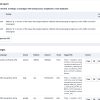
- Searchable link library that stores every link you build so you can find and reuse it later.
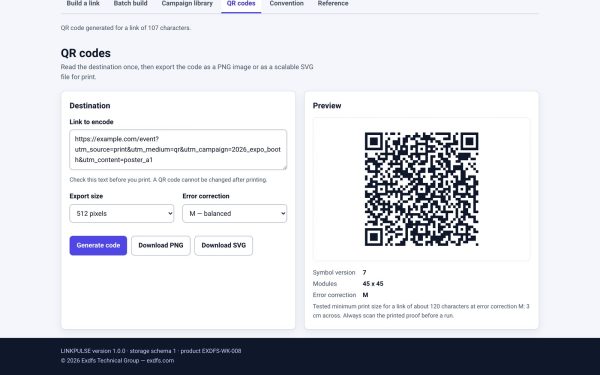
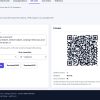
- QR code generation exportable as PNG or SVG for any stored link, ready for print materials.
- Editable HTML, CSS, and JavaScript source with no build step, so the readable copy in Editable/ matches what runs in Product/.
- Runs entirely offline, with no account, no server, and no data sent anywhere.
- Bundled QR rendering library included locally, so QR generation works without any external service.
What’s Included
35 files, delivered as one ZIP.
- Product/ (8 files) — index.html, assets/css/app.css, JavaScript modules (app.js, config.js, core.js, qr-render.js), a bundled QR generator library, and a Unit_Tests.html test page.
- Editable/ (9 files) — Batch Import Template (CSV), Naming Convention Presets (JSON), a Convention_Presets folder with five preset files, a Source README, and the UTM Naming Playbook (DOCX).
- Bonus/ (3 PDF guides) — Campaign Launch QA Checklist, GA4 Campaign Hygiene Guide, Short Link Handoff Guide.
- Documentation/ (12 files) — README, Quick Start Guide (PDF), Technical Specification (YAML), Test Report, Security & Privacy, Data Privacy Sheet, Browser Compatibility, Known Limitations, Formula Register (CSV), Product Identity Checklist, and QA Web Report.
- License/ (3 files) — License.txt, Code License Addendum, Third-Party Notices.
Who This Is For
- Marketing teams whose UTM tags currently break their channel reporting.
- Agencies managing campaign links across multiple clients who need per-client presets.
- Solo marketers who want a QR code generator alongside their link builder.
- Analytics-focused operators who rely on clean GA4 campaign data for reporting.
- Anyone who wants campaign data kept private, since nothing typed into LINKPULSE leaves the browser.
Why Choose LINKPULSE
- Consistency enforced at the point of creation, not caught after a broken report shows up in analytics.
- Five naming conventions included, from strict single-analyst use to multi-client agency setups.
- Batch import and a searchable library save time on campaigns with dozens of links.
- QR generation built in means one tool covers digital links and print materials.
- Fully offline and editable, so your campaign taxonomy never depends on a third-party service staying online.
How To Use
- Unzip the download and open Documentation/Quick_Start_Guide.pdf.
- Open Product/index.html in a current browser and choose the naming convention preset that fits your team.
- Build a link manually, or use Editable/Batch_Import_Template.csv to create a full campaign set at once.
- Search the library for existing links, or generate a QR code as PNG or SVG for any link.
- Reference the GA4 Campaign Hygiene Guide and Campaign Launch QA Checklist before a launch.
Frequently Asked Questions
What format are the files? One ZIP containing HTML, CSS, and JavaScript source, PDF and Markdown guides, a DOCX playbook, JSON presets, a CSV template, and TXT licence files.
Can I edit the files? Yes. The Product folder is the running app and the Editable folder holds the readable source copies, naming presets, and the batch template, all designed to be customized.
What software do I need? A current web browser to run the app. A spreadsheet app is useful for editing the CSV batch template, and Word or a compatible app for the DOCX playbook.
Is this for personal or commercial use? Yes, both. You may modify and use the source for your own campaigns or for the internal use of your organization and its clients. Resale or redistribution of the source files themselves is not permitted.
What is the refund policy? As an instantly delivered digital product, it is non-refundable after download. Contact support for a replacement if a file is missing or corrupted.
Does LINKPULSE send campaign data anywhere? No. It runs from your own computer with no server and no account, and nothing typed into it leaves your browser.
Can I add my own naming convention? Yes. The five included presets are JSON files you can duplicate and edit, or you can build a new one following the same structure.
Does it work for agencies with multiple clients? Yes, the Agency Multi-Client preset is built specifically for that case.
Bonus
Three bonus PDF guides are included: a Campaign Launch QA Checklist, a GA4 Campaign Hygiene Guide for keeping analytics reports trustworthy, and a Short Link Handoff Guide for passing links to teammates or clients cleanly.

Reviews
There are no reviews yet.