



Product Overview
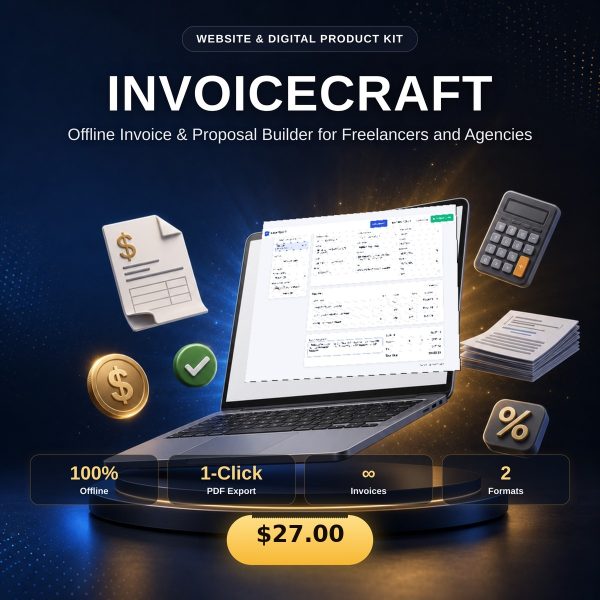
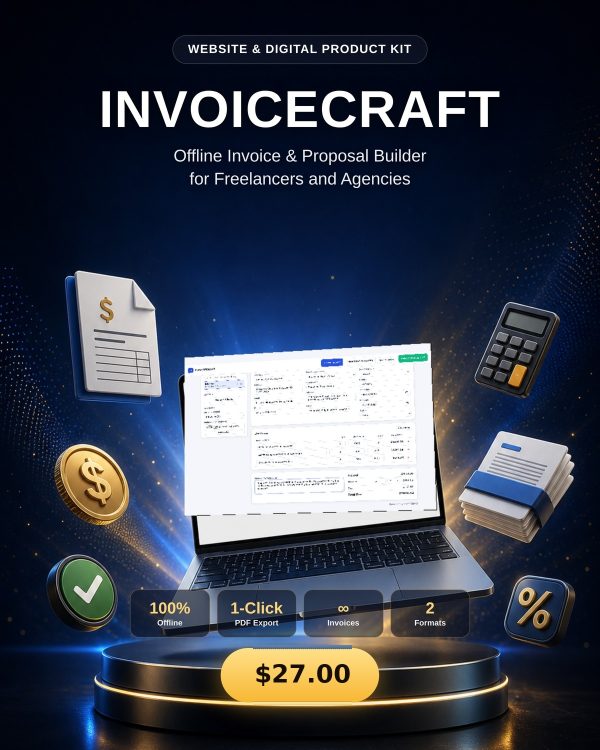
INVOICECRAFT is an offline document builder for freelancers and small agencies who need to send an invoice, confirm a payment, or send a quote without paying for another monthly tool. It lives in a single set of files you open whenever you need it, at your desk or on the road, and it keeps every document private on your own device.
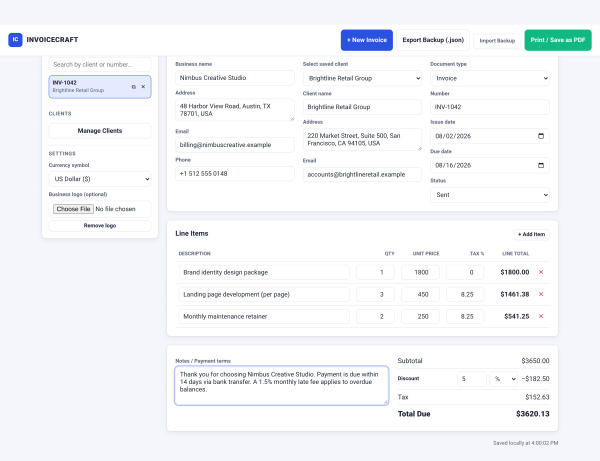
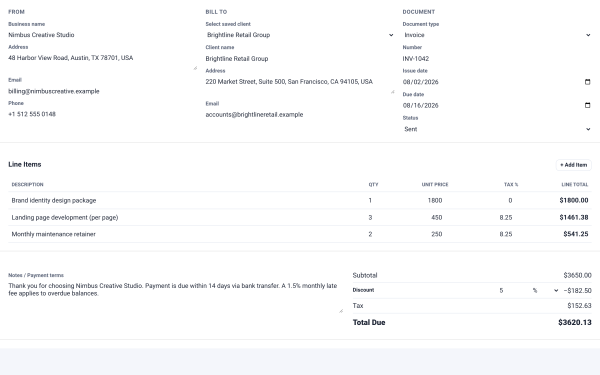
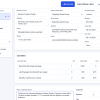
One interface produces five document types — invoice, pro-forma invoice, receipt, proposal, and quote — and switching between them updates the document number prefix automatically, so your numbering stays consistent without manual edits.
Key Features
- Five document types in one tool — invoice, pro-forma invoice, receipt, proposal, and quote, switchable at any time.
- Automatic numbering prefixes (INV / PROF / REC / PROP / QUO) that update the moment you change document type.
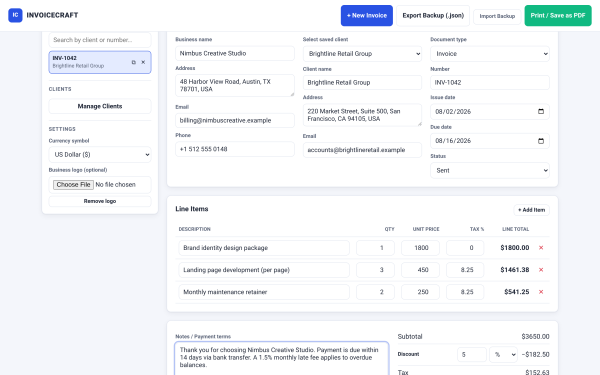
- Line items with quantity, unit price, and tax percentage, with totals calculated automatically as you type.
- Percentage or flat discounts applied cleanly to the subtotal before tax.
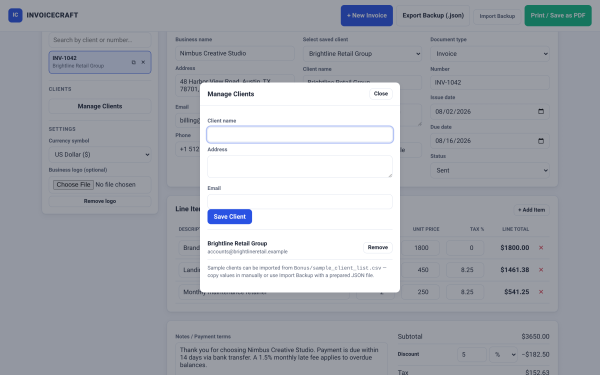
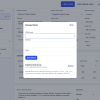
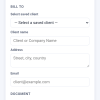
- Client and business detail fields that persist between documents so you are not retyping the same information.
- Runs entirely offline in the browser, with no account, no server, and no subscription.
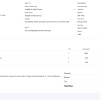
- Print-ready output for a professional-looking PDF handoff to any client.
- Editable HTML, CSS, and JavaScript source with no build step, so what you see is exactly what runs.
What’s Included
26 files, delivered as one ZIP.
- Product/ (3 files) — index.html, assets/app.js, assets/style.css.
- Bonus/ (2 files) — Invoice Numbering Guide (MD) and a Sample Client List (CSV) to see the fields populated with example data.
- Documentation/ (17 files) — README, Quick Start Guide (PDF), Technical Specification (YAML), Test Report, Security & Privacy, Data Privacy Sheet, Browser Compatibility, Known Limitations, Exception Record, Product Identity Checklist, QA Web Report, and a QA_Evidence subfolder with calculation test vectors, a runtime matrix, security tests, and a smoke test log.
- Editable/ (1 file) — Source_README.md explaining exactly where to change colors, currency defaults, and payment terms.
- License/ (3 files) — License.txt, Code License Addendum, Third-Party Notices.
Who This Is For
- Freelancers who need to send invoices and receipts without a recurring software bill.
- Small agencies that want one consistent look across invoices, quotes, and proposals.
- Consultants who bill clients directly and want pro-forma invoices for upfront confirmation.
- Anyone working offline or on the road who needs billing documents without depending on an internet connection.
- Developers who want editable source to customize branding, currency, or payment terms.
Why Choose INVOICECRAFT
- One tool instead of five — invoices, pro-forma invoices, receipts, proposals, and quotes all come from the same interface.
- No subscription, no account — you keep the files and they keep working, with no recurring cost.
- Private by design — everything runs in your browser with no server, so client billing data never leaves your device.
- Fully editable — open the CSS custom properties to reskin the accent colors, or edit the JavaScript defaults for currency and terms.
How To Use
- Unzip the download and open Documentation/Quick_Start_Guide.pdf.
- Open Product/index.html in a current browser.
- Select the document type you need and fill in your business and client details.
- Add line items with quantity, unit price, and tax, then apply a discount if needed.
- Print to PDF or save the document for your records.
Frequently Asked Questions
What format are the files? One ZIP containing HTML, CSS, and JavaScript source, PDF and Markdown documentation, JSON test evidence, a CSV sample list, and TXT licence files.
Can I edit the files? Yes. Product/index.html, style.css, and app.js are the full, human-readable source, and the Editable folder explains the common customizations.
What software do I need? Just a current web browser to run the tool and a PDF reader for the Quick Start Guide.
Is this for personal or commercial use? Yes, both. The licence covers personal use, your own business, and client end projects since this listing grants commercial and client-use rights. Resale or redistribution of the source files is not permitted.
What is the refund policy? As an instantly delivered digital product, it is non-refundable after download. If a file is missing or corrupted, contact support for a replacement.
Does it need an internet connection? No, INVOICECRAFT runs entirely offline once downloaded.
Can I change the currency symbol? Yes, the default currency is a single setting in app.js, and the currency dropdown in index.html can be edited freely.
Does the numbering reset per document type? The prefix updates automatically with document type; numbering behavior is documented in the Bonus Invoice Numbering Guide.
Bonus
The Invoice Numbering Guide walks through a clean, professional numbering scheme across all five document types, and the Sample Client List gives you ready example data to explore every field before entering your own clients.





Reviews
There are no reviews yet.