


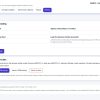


Product Overview
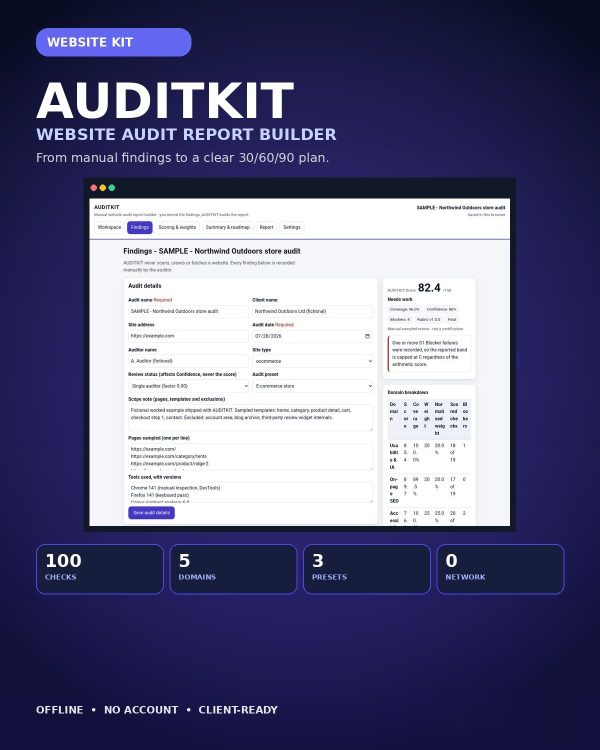
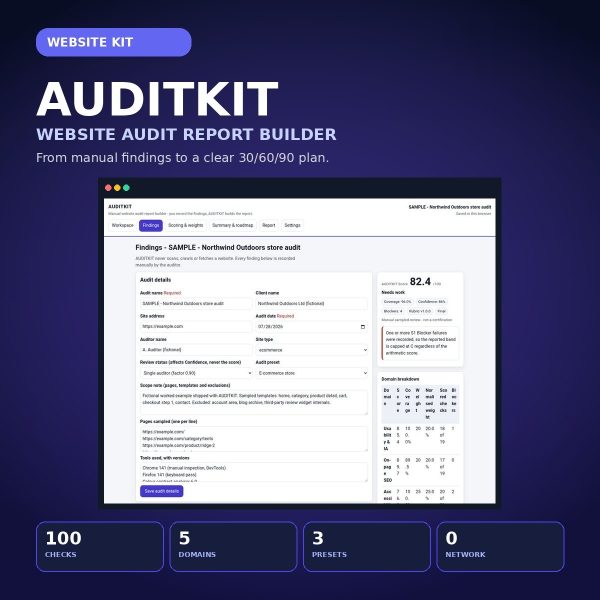
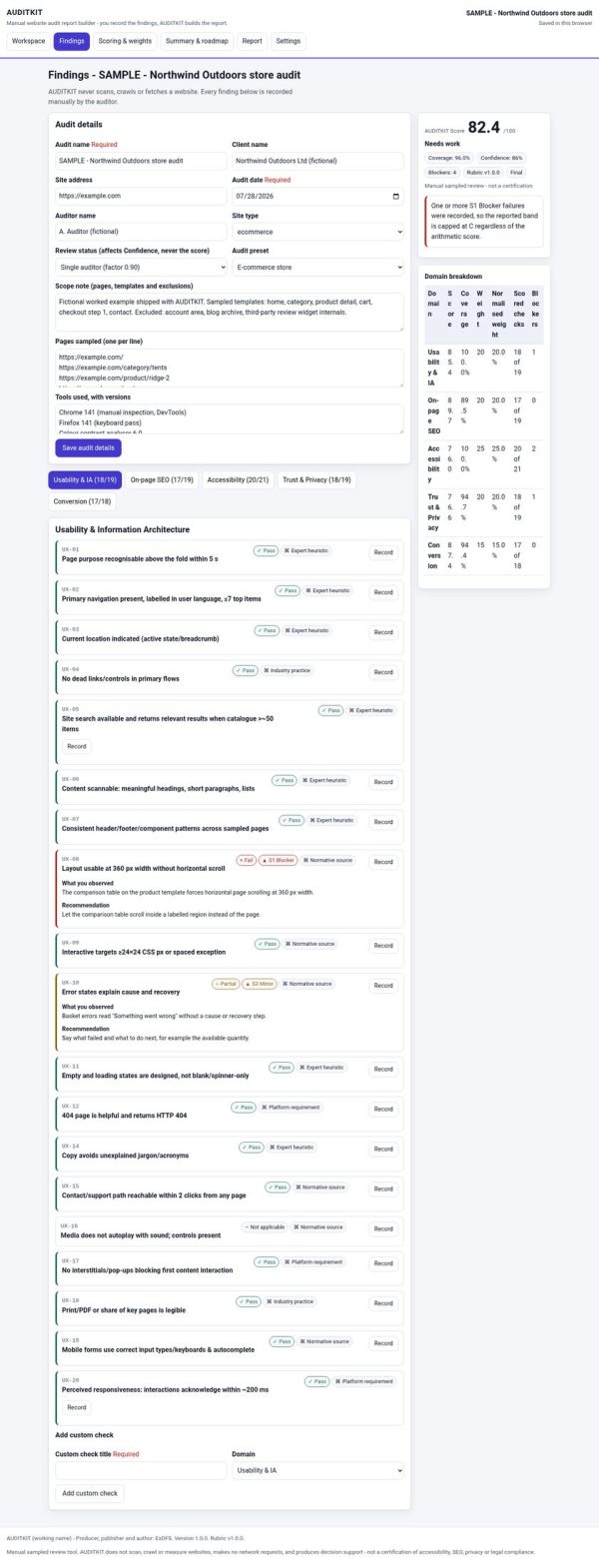
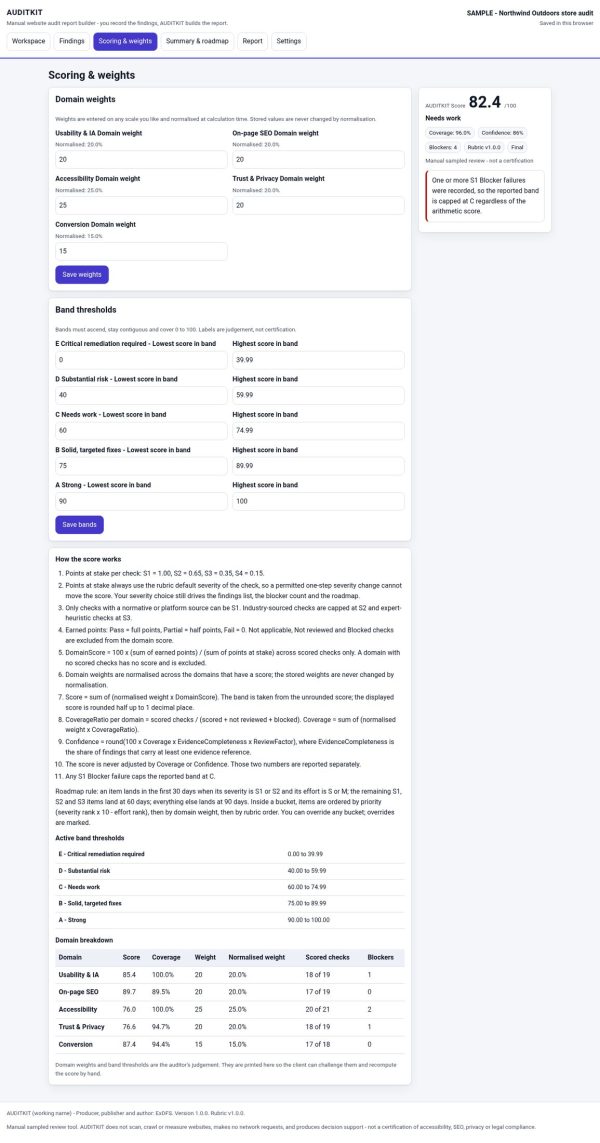
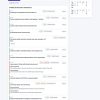
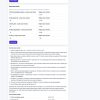
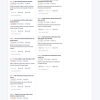
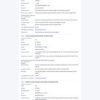
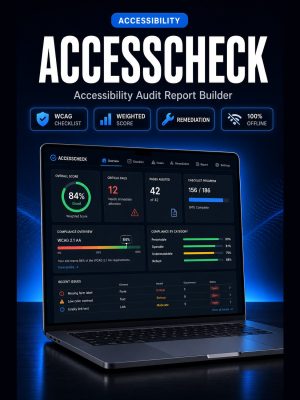
AUDITKIT is an offline report builder for agencies, consultants, and in-house web teams who need to hand a client a website audit that holds up to scrutiny, not a subjective checklist with a made-up score. You record the findings during your manual review, and AUDITKIT turns them into a transparent, severity-weighted score, coverage and confidence metrics, an editable executive summary, a prioritised 30/60/90 roadmap, and a branded report you can print or save as PDF.
It runs entirely from a local file with no build step, no account, and no network requests, so client audit data never leaves your machine unless you choose to share the finished report.
Key Features
- 100-check master rubric spanning UX, on-page SEO, accessibility, trust, and conversion.
- Three built-in presets — SaaS (88 checks), E-commerce (96 checks), and Services (86 checks) — so the rubric matches the site type you are auditing.
- Transparent, severity-weighted scoring with visible formulas, coverage, confidence, and a blocker cap so no single issue silently dominates the score.
- Structured findings fields for evidence, URL, severity, effort, recommendation, acceptance criterion, and retest status.
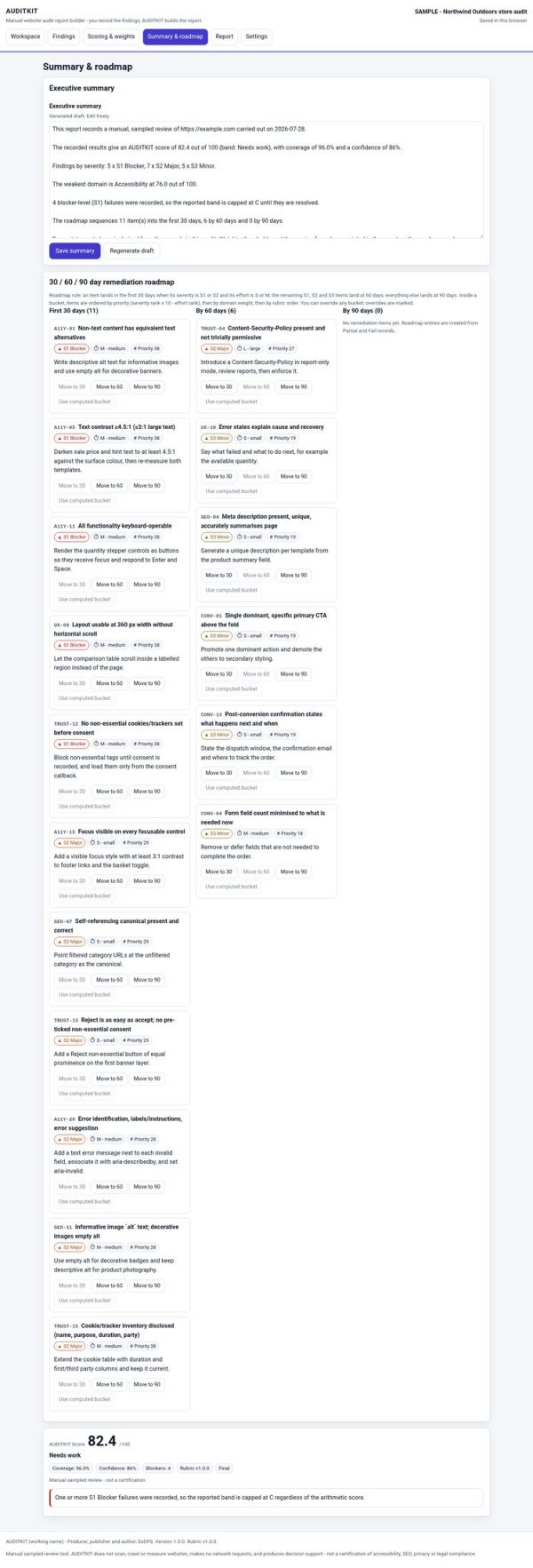
- Editable executive summary that updates alongside your findings instead of being written from scratch after the fact.
- Prioritised 30/60/90 remediation roadmap generated automatically from your recorded findings.
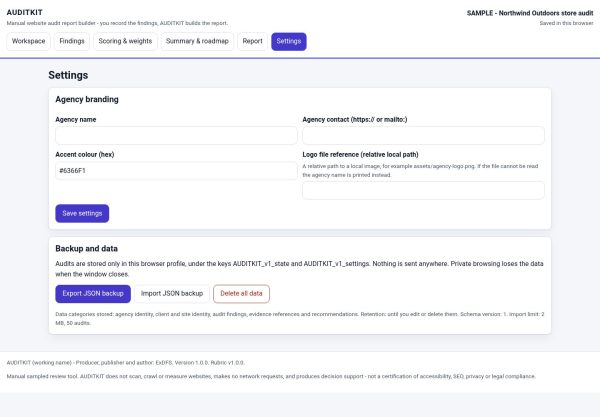
- Branded, print-ready report output for a client-facing PDF handoff.
- Fully offline, with no account, no server, and no network requests of any kind.
- Editable HTML, CSS, and JavaScript source, with dedicated files for tokens, layout, print styling, wording, and rubric content.
What’s Included
41 files, delivered as one ZIP.
- Product/ (18 files) — index.html, three CSS files (app, print, tokens), and fourteen numbered JavaScript modules covering config, strings, rubric, presets, sample data, the scoring model, validation, scoring, roadmap generation, summary, storage, import/export, UI rendering, and the app controller.
- Bonus/ (2 guides) — Audit Engagement & Recommendation Language Guide and Client Findings Walkthrough & Roadmap Meeting Guide.
- Documentation/ (17 files) — README, two Quick Start Guides (MD and PDF), Architecture, Technical Specification (YAML), Security & Privacy, Data Privacy Sheet, Browser Compatibility, Known Limitations, Formula Register (CSV), Product Identity Checklist, Release Checklist, Test Report, and QA reports for both web and browser evidence.
- Editable/ (1 file) — Source_README.md mapping exactly which file to edit for colors, layout, print output, or wording.
- License/ (3 files) — License.txt, Code License Addendum, Third-Party Notices.
Who This Is For
- Agencies that deliver website audits as a paid service and need a defensible, repeatable scoring method.
- Freelance consultants who want a professional report without building one from scratch.
- In-house web teams running an internal audit before a redesign or SEO push.
- Anyone auditing SaaS, e-commerce, or services sites, thanks to the three built-in presets.
- Teams that need to justify scores to a client with visible formulas rather than a single opaque number.
Why Choose AUDITKIT
- Defensible scoring — every score traces back to a visible formula, not a black box.
- Roadmap included, not just a score — the 30/60/90 plan turns findings into a plan a client can act on immediately.
- Three site-type presets mean you are not manually stripping irrelevant checks from a generic rubric.
- Fully editable wording and rubric — rebrand it, adjust weights, or add your own checks in the numbered JavaScript modules.
How To Use
- Unzip the download and open Documentation/Quick_Start_Guide.pdf.
- Open Product/index.html in a current browser and choose a preset: SaaS, E-commerce, or Services.
- Work through the rubric, recording evidence, severity, effort, and a recommendation for each finding.
- Review the generated score, executive summary, and 30/60/90 roadmap, editing wording as needed.
- Print or save the finished report as a branded, client-ready PDF.
Frequently Asked Questions
What format are the files? One ZIP containing HTML, CSS, and JavaScript source, PDF and Markdown guides, a CSV formula register, a YAML specification, and TXT licence files.
Can I edit the files? Yes. AUDITKIT has no build step, and Editable/Source_README.md lists exactly which file to open for colors, layout, print styling, wording, or rubric content.
What software do I need? A current web browser to run the app and a PDF reader for the guides and Quick Start.
Is this for personal or commercial use? Yes, both. You may customise any file for personal, business, or client end use. Resale or redistribution of the source files themselves is not permitted.
What is the refund policy? This is a digital product delivered on download and is non-refundable once downloaded. Contact support for a replacement if a file is missing or corrupted.
Does AUDITKIT send audit data anywhere? No. It runs entirely offline with no account and no network requests.
Can I add my own checks to the rubric? Yes, the rubric lives in a dedicated JavaScript module that can be extended with additional checks.
Which site types are supported out of the box? SaaS, E-commerce, and Services presets are included, each with a different check count tuned to that site type.
Bonus
Two bonus guides are included: an Audit Engagement & Recommendation Language Guide for writing findings clients accept without pushback, and a Client Findings Walkthrough & Roadmap Meeting Guide for presenting the report and roadmap in a review call.






Reviews
There are no reviews yet.