

Product Overview
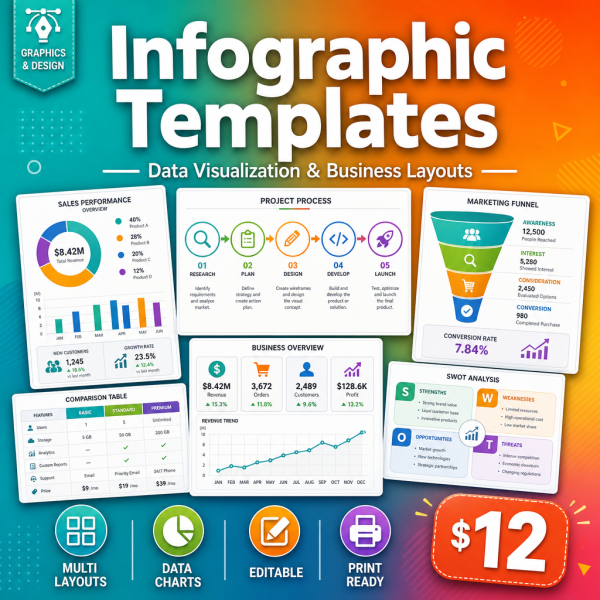
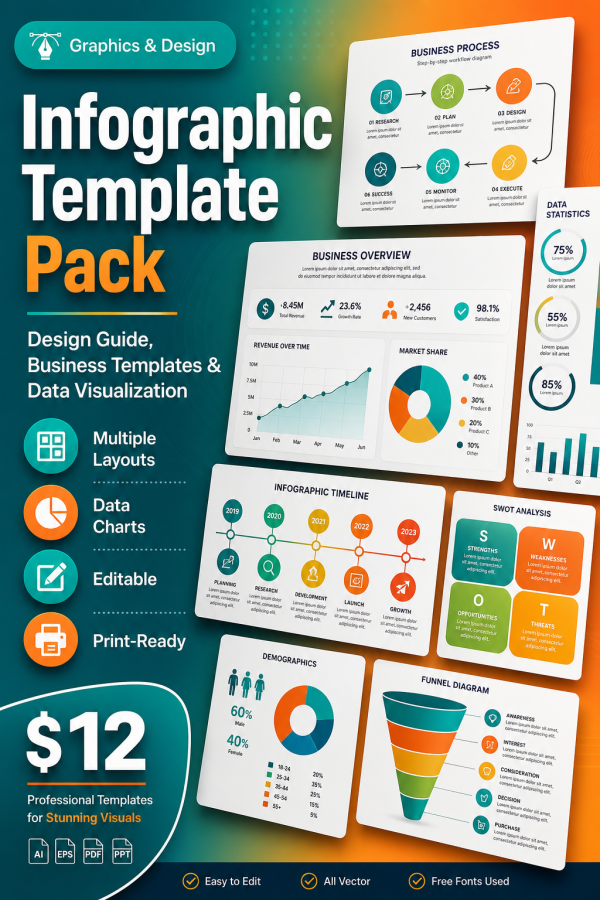
Most infographic packs hand you a fixed set of slides in one design tool and call it done. The Infographic Template Pack takes a different approach: it teaches the design system behind effective infographics through four detailed PDF guides, then gives you editable planning spreadsheets so you can brief, structure and check your own infographic before you open any design software at all.
It is built for marketers, founders and content creators who need to communicate data clearly and consistently, whether they design the final graphic themselves or hand the plan to a designer.
Key Features
- Infographic Design Principles guide — layout, hierarchy and color rules that make an infographic readable at a glance.
- Business & Marketing Infographics guide — structures for common business use cases such as reports, case studies and product comparisons.
- Data Visualization Comparison guide — how to choose the right chart type for the story your data is telling.
- Process & Timeline Templates guide — structures for step-by-step processes, roadmaps and timelines.
- Three editable XLSX tools — Data Collection Worksheet, Infographic Planning Checklist and Color & Font Reference.
- Icon & Symbol Library Guide (bonus) — where to find and how to license icons that match your infographic style.
- Infographic Distribution Strategy (bonus) — how to get an infographic seen once it is built.
- Quick Start Guide — a short walkthrough of which document to use at each stage.
- Personal and commercial licence — use the system on your own content or on client and employer projects.
What’s Included
12 files, delivered as one ZIP (PDF and XLSX).
- Product/ — Infographic_Design_Principles.pdf, Business_Marketing_Infographics.pdf, Data_Visualization_Comparison.pdf, Process_Timeline_Templates.pdf
- Editable/ — Data_Collection_Worksheet.xlsx, Infographic_Planning_Checklist.xlsx, Color_Font_Reference.xlsx
- Bonus/ — Icon_Symbol_Library_Guide.pdf, Infographic_Distribution_Strategy.pdf
- Documentation/ — Quick_Start_Guide.pdf, README.md
- License/ — License.txt
Who This Is For
- Content marketers — if you need to turn a data set or report into something people will actually read.
- Founders and small teams — if you cannot brief a designer clearly because you have not planned the structure yourself.
- Freelance designers — if you want a repeatable planning process before opening your design tool of choice.
- Students and researchers — if you need to present findings visually for a class or a report.
- Social media managers — if infographic posts currently take far too long to plan from a blank page.
Why Choose This Product
- Design tool agnostic — the guides teach principles and structures you can apply in whatever software you already use.
- Planning before production — the XLSX worksheets stop you designing three drafts before the data is even organized.
- Covers the full pipeline — from data collection and chart choice through to distribution once the infographic exists.
- Commercial licence included — apply the system to paid client and employer work, not just personal projects.
How To Use
- Unzip the download and start with Documentation/Quick_Start_Guide.pdf.
- Fill in Data_Collection_Worksheet.xlsx with the numbers and facts your infographic needs to communicate.
- Read Infographic_Design_Principles.pdf and Data_Visualization_Comparison.pdf to choose a layout and chart type.
- Use Infographic_Planning_Checklist.xlsx and Color_Font_Reference.xlsx to lock in structure and style before you design.
- Build the final graphic in your design tool of choice, then check Infographic_Distribution_Strategy.pdf for how to publish and promote it.
Frequently Asked Questions
What format are the files? One ZIP with 12 files: six PDF guides and three editable XLSX worksheets, plus a README (MD) and licence (TXT).
Can I edit the files? The three XLSX planning tools are fully editable. The PDF guides are reference material to be read and applied rather than edited directly.
What software do I need? A PDF reader, a spreadsheet application such as Excel, Google Sheets or LibreOffice Calc, and whatever design tool you plan to build the final infographic in.
Is this for personal or commercial use? Both. The licence covers personal use and commercial use of the templates and frameworks. Reselling or redistributing the pack itself is not permitted.
What is the refund policy? As a digital download the product is non-refundable once downloaded. If a file is missing or corrupted, contact us and we will replace it.
Does this include ready-made PPTX or Canva slide files? No — this is a design-principles and planning kit made of PDF guides and XLSX worksheets. It teaches the structure and gives you a plan; you build the final graphic in the design tool you already use.
Which chart types does the data visualization guide cover? It compares common chart types such as bar, line, pie and comparison layouts and explains when each one communicates data most clearly.
Can I use this for client work? Yes, the commercial licence covers using the frameworks on client and employer projects.
Bonus
Two extra PDF guides are included at no additional cost: the Icon & Symbol Library Guide, which points you toward icon sources and how to license them correctly, and the Infographic Distribution Strategy guide, covering how to get a finished infographic actually seen once it is published. Together they close the gap between planning a graphic and getting results from it.



Reviews
There are no reviews yet.