


Product Overview
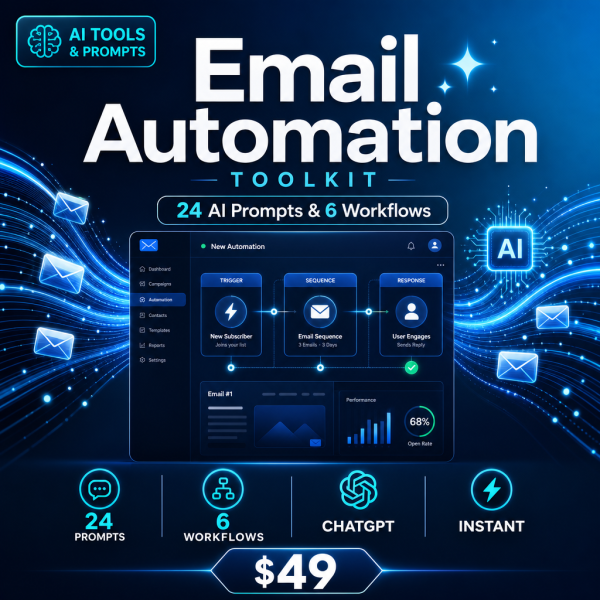
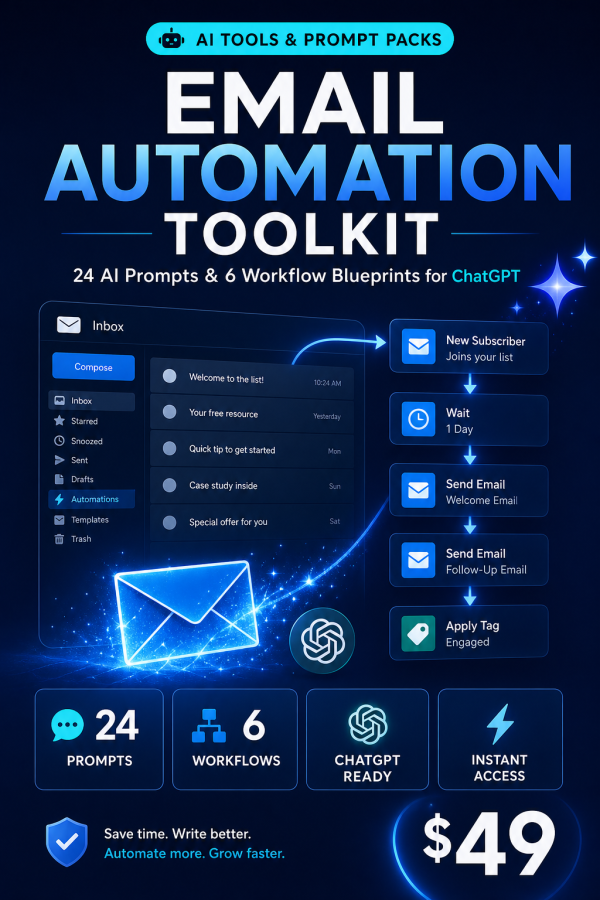
Your inbox is not disorganized, it is just doing 10 to 15 hours of unpaid work every week. The Email Automation Toolkit is a standalone system for automating every kind of business email with the AI assistant you already use, whether that is ChatGPT, Claude or Gemini, without hiring anyone or buying new software.
Six workflow blueprints and 24 prompts cover triage, nurture sequences, cold outreach, lifecycle email, difficult conversations and testing, so the emails that come out the other side still sound like you wrote them.
Key Features
- 6 complete workflow blueprints — step-by-step setup, review checkpoints, and honest effort and savings estimates for each.
- 24 battle-tested prompts — each with usage guidance, expected output, and a customization tip.
- Inbox Triage & Reply System — process email in your own voice twice a day and cut inbox time by roughly 60 to 70 percent.
- Nurture Sequence Engine — build a complete on-brand email sequence from a single one-paragraph brief.
- Cold Outreach Personalization — hand-written quality at ten times the speed, built on facts you verify yourself.
- Lifecycle & Transactional Email module — onboarding, renewal and cart recovery emails written to actually convert.
- Excel Planner & ROI Calculator — score your email workload and watch hours and dollars saved update automatically.
- 3 exclusive bonus guides — a readiness checklist, an email metrics benchmark guide, and a prompt formula guide.
What’s Included
9 files, delivered as one ZIP (PDF, XLSX and TXT).
- Product/ — Email_Automation_Toolkit_Guide.pdf (the 6 blueprints and 24 prompts with usage notes) and Email_Automation_Planner_And_ROI_Calculator.xlsx.
- Editable/ — All_24_Prompts_Copy_Paste.txt, every prompt in one plain-text file.
- Bonus/ — Bonus_Email_Automation_Readiness_Checklist.pdf, Bonus_Email_Metrics_Benchmark_Guide.pdf, and Bonus_Prompt_Formula_Guide.pdf.
- Documentation/ — Quick_Start_Guide.pdf and README.md.
- License/ — License.txt, the full usage terms.
Who This Is For
- Founders — who write most of their own business email and want it to stop taking half the morning.
- Freelancers — who send the same kind of client email more than twice a week and want a repeatable system for it.
- Marketers — who need nurture and lifecycle sequences drafted faster without losing brand voice.
- Small teams — sharing an inbox that has become unmanageable without a defined triage process.
- Sales-adjacent roles — who rely on cold outreach and follow-up email as a core part of the job.
Why Choose This Product
- Six specific modules, not general advice — each module solves one real email problem end to end, from triage to deliverability testing.
- Sounds like you, not a template — the prompts are written to preserve your voice, not produce generic corporate copy.
- Proof of value built in — the Excel ROI calculator turns “this saves time” into an actual hours-and-dollars figure.
- No paid subscription required — every prompt works with the free tier of ChatGPT, Claude or Gemini.
How To Use
- Unzip the download and open Documentation/Quick_Start_Guide.pdf and follow its three steps.
- Read Module 1 in the main guide and run its first prompt using your own real email details.
- Open Email_Automation_Planner_And_ROI_Calculator.xlsx and log your first five recurring email tasks.
- Work through the remaining modules in order, copying prompts from All_24_Prompts_Copy_Paste.txt as you go.
Frequently Asked Questions
What format are the files? A ZIP containing PDF guides, one Excel (XLSX) planner, one plain-text (TXT) prompt file, a README and the licence, nine files in total.
Can I edit the files? Yes. The Excel planner is fully editable and the TXT prompt file is plain text you can adapt to your own voice. The PDF guides are reference material.
What software do I need? A PDF reader, a spreadsheet app that opens XLSX files, and any AI assistant such as ChatGPT, Claude or Gemini. The free tier of any of these is enough.
Is this for personal or commercial use? Yes, the licence permits both personal use and use in your business operations. Reselling or redistributing the files themselves is not permitted.
What is the refund policy? As a digital download the product is non-refundable once it has been downloaded. If a file is missing or corrupted, contact support and it will be replaced.
Is this part of a bigger toolkit? Yes. It is one of six modules from the AI Business Automation family; the full toolkit covers email, social media, customer service, sales, HR and content creation together.
Do I need to change my email provider? No. The prompts produce text you paste into whatever email client or CRM you already use.
How fast will I see a time difference? Most users notice a change in inbox time within the first week, once the triage module is running daily.
Bonus
Three bonus guides come with the toolkit: the Email Automation Readiness Checklist to confirm your setup before you start, the Email Metrics Benchmark Guide so you know what a good open, reply and conversion rate looks like for your type of email, and the Prompt Formula Guide for writing new prompts once the included 24 stop covering a situation.



Reviews
There are no reviews yet.