




Crypto Income & FX Tracker
You are paid in stablecoin. Your books are in your own currency. Between those two facts sits the work nobody explains: every payment has to be valued on the day it arrived, converted with a rate you can name, and recorded in a way that still makes sense next spring.
This is that record system. One workbook, one guide, one written policy, one monthly routine.
What It Solves
A generic income spreadsheet assumes money arrives as money. Stablecoin income breaks four of its assumptions at once:
- A stablecoin is not exactly one dollar. It usually is, and on the days it is not, the difference
- is your income figure — not a rounding error.
- There are two events per payment, not one: income when it lands, and a separate gain or loss when
- you convert. Most trackers record the first and lose the second.
- Every figure needs a source. “About a dollar” is not a record. A named price source, a
- measurement time and a fallback rule are.
- The off-ramp spread is a real cost and almost nobody measures it. It is often larger than every
- platform fee combined.
What You Get
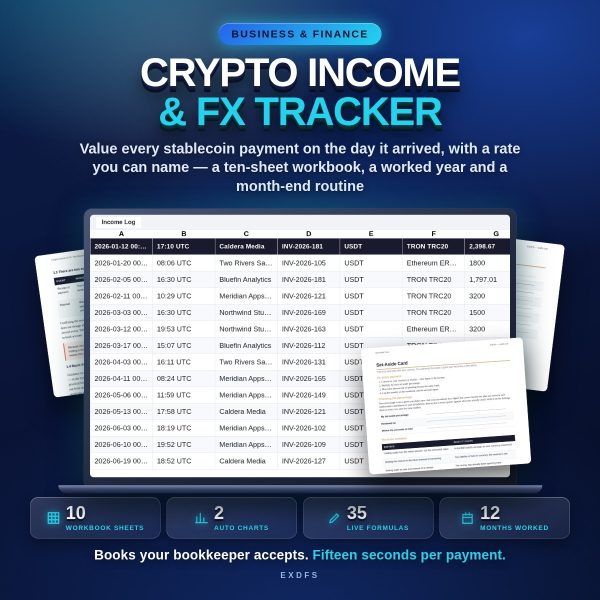
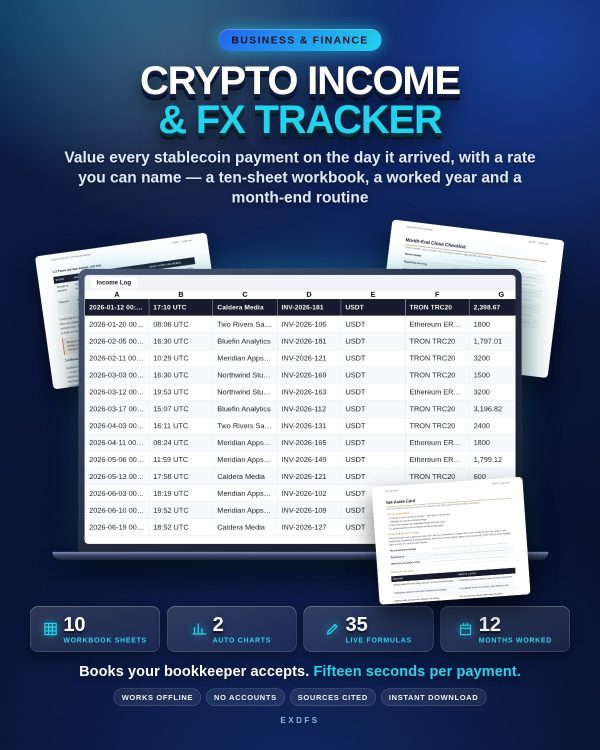
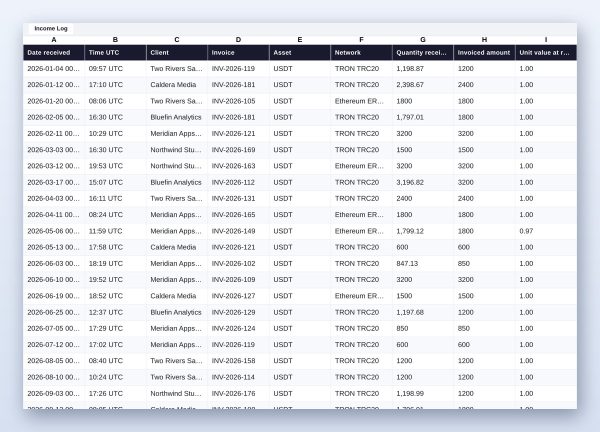
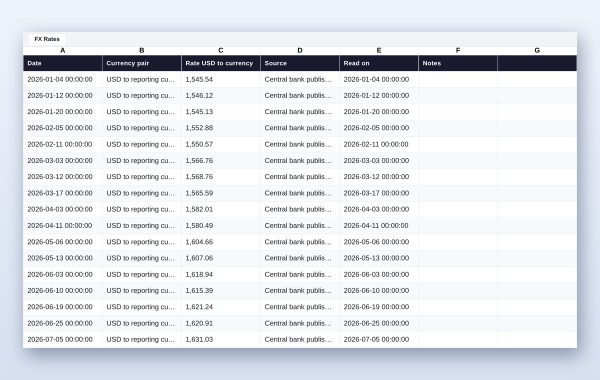
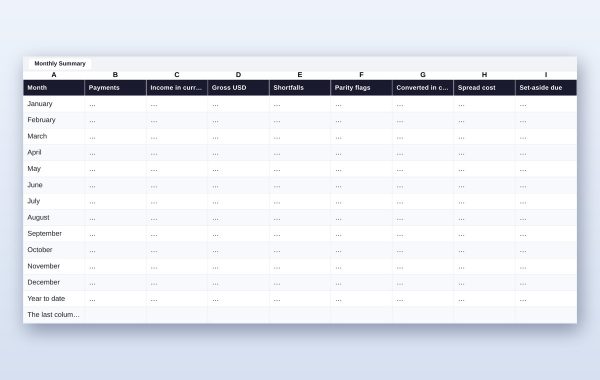
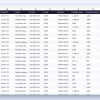
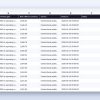
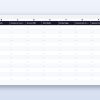
Crypto_Income_And_FX_Tracker.xlsx — ten sheets, all calculations live: Start Here, Settings, Income Log, Conversions, FX Rates, Monthly Summary, By Client, Dashboard, Year Summary, How To Use. You type ten fields per payment; the workbook computes the gross value, the value in your currency, the shortfall against the invoice, a parity flag when the unit value drifts outside your tolerance, whether your typed rate matches your rate log, and the count of rows still missing a hash, a source or a rate. Two charts on the Dashboard update themselves: income by month, and the cost of the spread by month.
Crypto_Income_And_FX_Tracker_Worked_Example.xlsx — the same file with a full year in it: 31 payments, 17 conversions across four off-ramp routes, one month deliberately off parity so you can see the flag and the gain it produces later. Open it before you open the blank one.
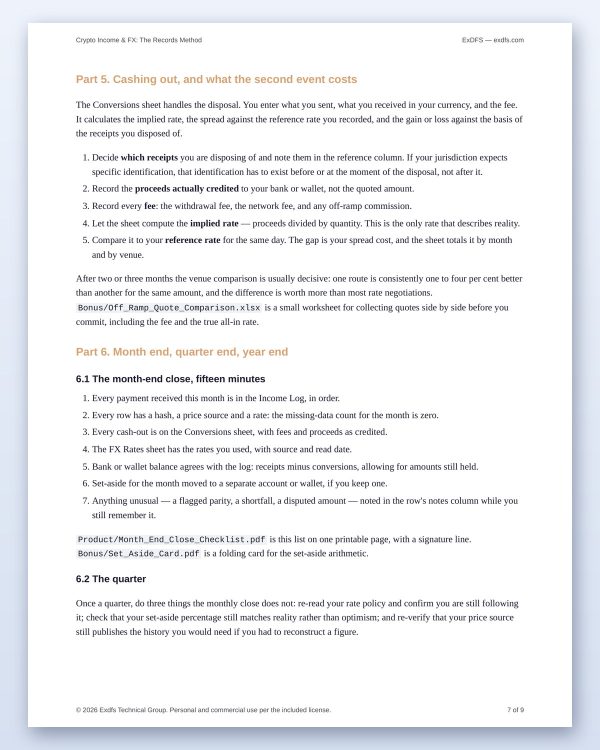
Crypto_Income_And_FX_Guide.pdf — the method in plain language: the four facts that decide your records, how to write a rate policy in five lines, the ten fields and where each comes from, fees versus shortfalls versus spread, cashing out, the month-end close, and four worked examples.
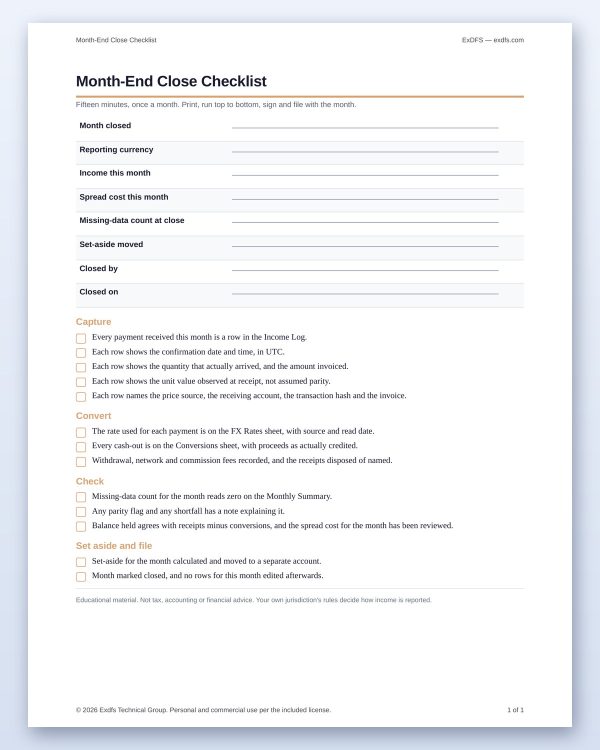
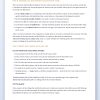
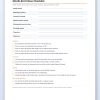
Month_End_Close_Checklist.pdf — one printable page, signature line at the bottom.
Rate_Source_Policy_Statement.docx — your rate policy as a document you can sign, date and hand to whoever prepares your accounts. This one page is what turns “I used a rate” into a method.
Bookkeeper_Handover_Note.docx — a one-page cover note that explains your file to an accountant who has never seen a stablecoin, in their language.
Off_Ramp_Quote_Comparison.xlsx (bonus) — collect quotes side by side before you convert and compare the all-in rate, not the advertised one.
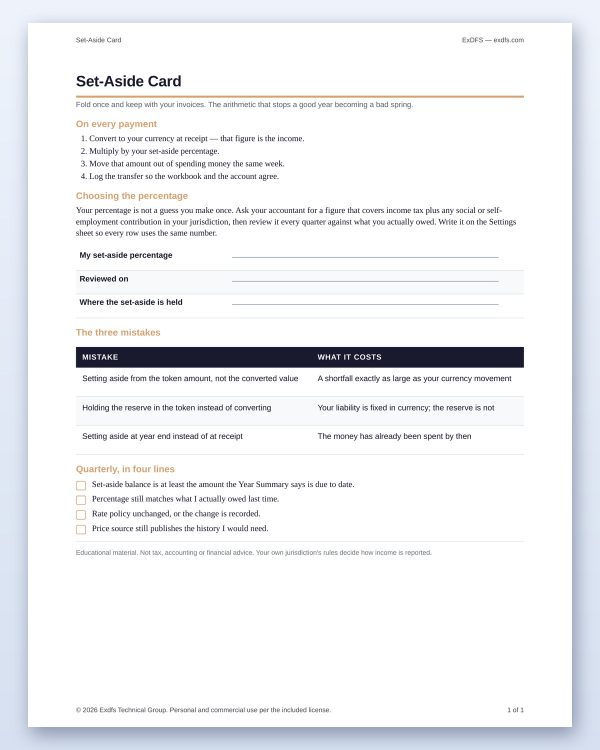
Set_Aside_Card.pdf (bonus) — the set-aside arithmetic on a folding card, plus the three mistakes that make a good year into a bad spring.
Also included: a quick start, a formula register listing every calculated column, a sources list with the read date of every fact quoted, and a standard licence for personal and commercial use.
How It Works
1. Fill the Settings sheet: reporting currency, price source, measurement time, fallback rule, currency rate source, set-aside percentage, parity tolerance, clients. 2. Log each payment on the day it lands: ten fields, about fifteen seconds. 3. Log each cash-out on the Conversions sheet: proceeds as credited, every fee, which receipts you disposed of. 4. Close the month with the printed checklist. Do not close it until the missing-data count is zero. 5. Once a year, send the workbook, the policy statement and the handover note together.
Who It Is For
Freelancers, contractors and small studios paid in USDT, USDC or another dollar stablecoin who report in a different currency, and who would rather keep a defensible record as they go than reconstruct one under time pressure.
What It Is Not
It is not tax advice and it does not state the rules of any country — it produces a complete, consistent, sourced record, and your accountant decides how that record is reported. It does not connect to any exchange, wallet or price feed: you enter the values you observed, which is why the file works offline and keeps no credentials. It is not a portfolio tracker and it does not value volatile assets.
Works in Microsoft Excel. Opens in LibreOffice Calc and Google Sheets; charts may need to be re-inserted after a Google Sheets import. One-time purchase, instant download, no subscription.












Reviews
There are no reviews yet.