

Product Overview
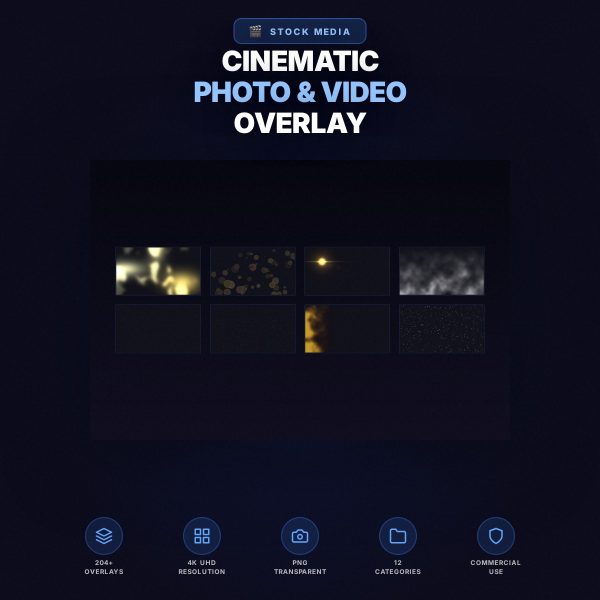
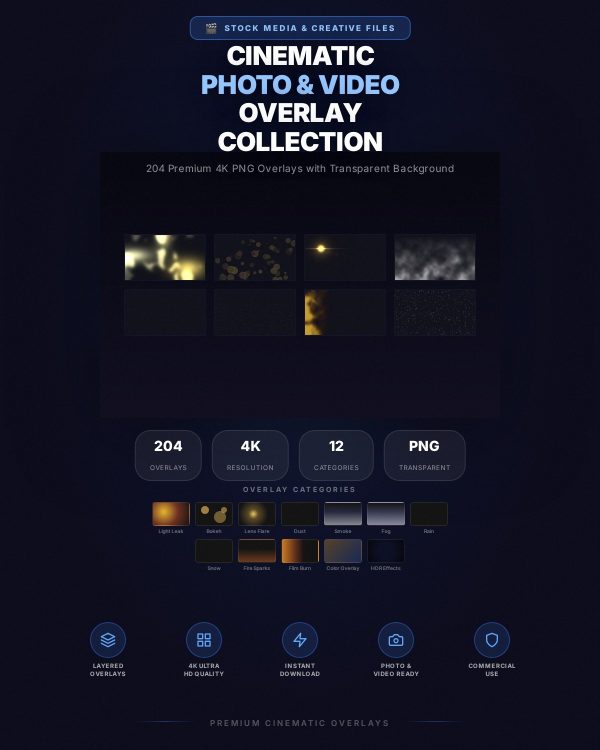
A cinematic look in photo or video work usually comes from layered atmosphere — light leaks, drifting dust, fog, rain, or a warm film burn — rather than from color grading alone. The Cinematic Photo & Video Overlay Collection gives you that atmosphere as transparent PNG overlays across twelve effect categories: light leak, bokeh, lens flare, dust, smoke, fog, rain, snow, fire sparks, film burn, color overlay, and HDR-style effects.
Each overlay has a transparent background so it drops straight onto a layer above your photo or video footage, ready to blend using a Screen or similar blend mode in your editor of choice.
Key Features
- Twelve effect categories — light leak, bokeh, lens flare, dust, smoke, fog, rain, snow, fire sparks, film burn, color overlay, and HDR-style effects.
- Transparent PNG format — overlays drop directly onto a layer above your content with no background to remove.
- High-resolution files — suited to both photo work and video footage without visible quality loss.
- Blend-mode ready — designed to work with Screen and similar blend modes for a natural composite.
- Cross-application compatibility — usable in Photoshop, Premiere Pro, After Effects, DaVinci Resolve, Final Cut Pro, and Canva.
- Stackable effects — combine multiple overlay categories for a more layered, cinematic result.
- Commercial use included — use the overlays in client work, YouTube videos, and other commercial productions.
What’s Included
This listing describes a cinematic overlay collection delivered as transparent PNG files organized by the twelve effect categories above, along with a short usage reference. The exact file count and folder breakdown are confirmed at the point of delivery; this description covers the effect categories the collection is built around rather than a verified file-by-file inventory.
- Overlay images — transparent PNG files spanning the twelve effect categories listed above.
- Usage reference — short guide covering recommended blend modes and application steps for photo and video editors.
Who This Is For
- Video editors and YouTubers wanting a cinematic look without complex color grading setups.
- Photographers adding atmospheric effects to portrait, wedding, or event photography.
- Social media content creators looking for a more filmic style for reels and posts.
- Motion graphics and post-production artists layering practical-style effects into a project quickly.
- Advertising and marketing creators wanting a polished, cinematic finish on commercial footage.
Why Choose This Product
- Twelve categories in one collection, covering most common cinematic effects instead of a narrow single-effect pack.
- Transparent PNG format saves time compared with effects that need manual background removal.
- Cross-application support means the same files work whether you edit in a photo tool or a video timeline.
- Commercial licence included, covering client, YouTube, and advertising use.
How To Use
- Download and extract the overlay files, then review the usage reference for recommended blend modes.
- Open your photo or video project and place the overlay PNG on a layer above your content.
- Set the layer’s blend mode to Screen (or a similar mode) and adjust opacity to taste.
- Stack additional overlay categories if you want a more complex, layered cinematic look.
- Export or render your finished photo or video as usual.
Frequently Asked Questions
What format are the files? Transparent PNG overlay images, along with a short usage reference document.
Can I edit the files? The overlays are ready-to-use image assets meant to be layered on top of your own photo or video; they are not editable template files themselves.
What software do I need? Any photo or video editor that supports PNG layers and blend modes, such as Photoshop, Premiere Pro, After Effects, DaVinci Resolve, Final Cut Pro, or Canva.
Is this for personal or commercial use? Both. Personal and commercial use are permitted, including client work, YouTube, and advertising projects. Resale or redistribution of the overlay files themselves is not permitted.
What is the refund policy? As a digital download the product is non-refundable once downloaded. If a file is missing or corrupted, contact us and we will replace it.
Do these overlays work in video editors as well as photo editors? Yes, the PNG format is compatible with both photo tools and common video editing timelines.
Which blend mode should I use? Screen is the recommended starting point for most overlays; the usage reference covers adjustments for specific effect categories.
Can I combine multiple overlay categories on one clip? Yes, stacking overlays such as dust with light leak or fog with lens flare is a common way to build a richer cinematic look.
Bonus
A short usage reference is included alongside the overlay files, covering recommended blend modes and stacking tips so you can achieve a natural, cinematic composite on your first attempt.


Reviews
There are no reviews yet.