

Product Overview
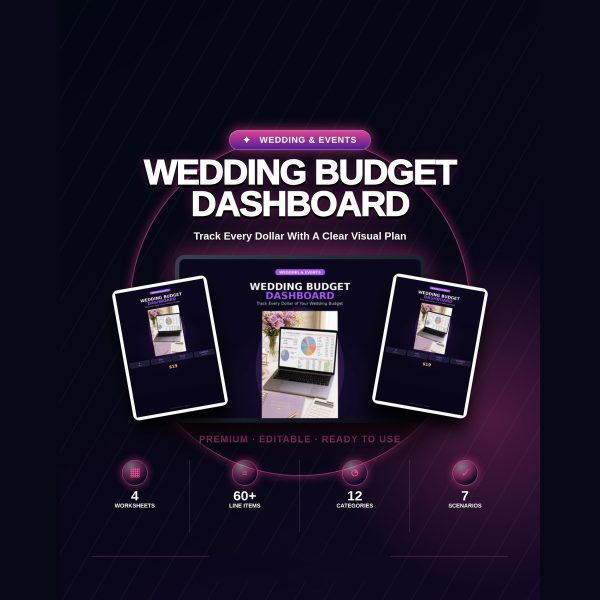
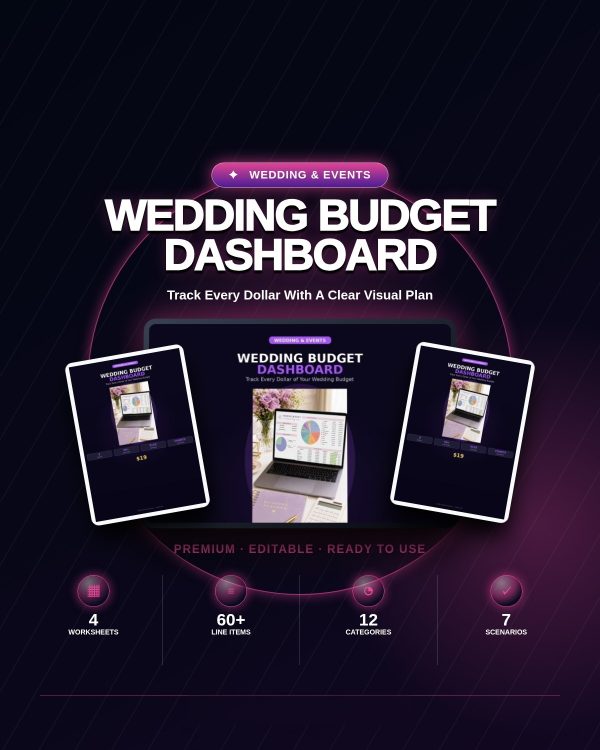
Wedding costs rarely blow the budget in one big line item, they creep up through dozens of small ones that never get tracked in the same place. The Wedding Budget Dashboard puts every category, vendor payment and guest-count scenario into a single Excel file with formulas that update automatically, so you always know where the budget actually stands.
The spreadsheet is organized into four connected sheets covering the big picture, the detailed line items, the payment schedule and the guest count math, and it is delivered as both a print-ready copy and a separate fully editable copy.
Key Features
- Dashboard sheet — total budget overview with a category breakdown pie chart and spending versus budget at a glance.
- Detailed Budget sheet — 60+ line items across 12 categories including venue, catering, photography, flowers, music, attire, stationery, transportation, favors, ceremony, planning and miscellaneous.
- Budgeted, estimated and actual columns — for every line item, so you can compare your plan against real quotes and final costs.
- Payment Timeline sheet — tracks every vendor payment with due dates, payment method and status.
- Guest Calculator sheet — shows how guest count changes per-person cost across 7 what-if scenarios from 50 to 200 guests.
- Automatic calculations — category subtotals, grand totals, remaining budget and percentage of total spend update as you type.
- Professional purple-themed design — formatted and ready to use without any spreadsheet setup work.
What’s Included
6 files, delivered as one ZIP (XLSX, PDF and TXT).
- Product/ — Wedding_Budget_Dashboard.xlsx, the print-ready version of the 4-sheet dashboard.
- Editable/ — Wedding_Budget_Dashboard.xlsx, the same dashboard fully unlocked for entering your own numbers.
- Bonus/ — Vendor_Payment_Calendar.pdf and Wedding_Budget_Checklist.pdf.
- Documentation/ — Quick_Start_Guide.pdf, explaining how each sheet connects to the others.
- License/ — LICENSE.txt, the usage terms for this download.
Who This Is For
- Couples setting a wedding budget — who want one file instead of scattered notes and receipts.
- Wedding planners — tracking budgets across multiple client weddings.
- Parents contributing to wedding costs — who want a clear view of what is spent and what remains.
- Anyone deciding on guest count — who wants to see the real cost impact before finalizing the list.
Why Choose This Product
- Four sheets that work together — the dashboard, detailed budget, payment timeline and guest calculator all pull from the same numbers.
- Built-in formulas, not blank tables — totals, remaining budget and category percentages calculate automatically as you enter costs.
- Guest count math done for you — the 7 what-if scenarios show the real per-person cost swing before you commit to a headcount.
- Two ready-to-use copies — a clean print-ready file and a separate editable file, so you never have to unprotect a sheet before entering numbers.
How To Use
- Open Documentation/Quick_Start_Guide.pdf to see how the four sheets connect.
- Open Editable/Wedding_Budget_Dashboard.xlsx in Excel, Google Sheets or Numbers and enter your total budget and category estimates.
- Log vendor payments and due dates in the Payment Timeline sheet as contracts are signed.
- Use the Guest Calculator sheet to test different headcounts before finalizing your guest list.
- Check the Dashboard sheet regularly to see the pie chart and spending totals update.
Frequently Asked Questions
What format are the files? The dashboard is XLSX, the two bonus items are PDF, and everything opens with common spreadsheet and PDF software.
Can I edit the files? Yes. The Editable/Wedding_Budget_Dashboard.xlsx file is fully unlocked so you can change categories, add line items and adjust formulas if needed.
What software do I need? Microsoft Excel, Google Sheets, LibreOffice Calc or Numbers for the spreadsheet, and a PDF reader for the bonus checklists.
Is this for personal or commercial use? This dashboard is licensed for your own wedding budget planning, and you may share it with your wedding planner for budget coordination. Reselling or redistributing the spreadsheet itself as a product is not permitted.
What is the refund policy? As a digital download, this product is non-refundable once downloaded. If a file is missing or corrupted, contact support and it will be replaced.
Will the formulas break if I add my own rows? The Editable version is unlocked, so adding rows in the middle of a category can affect subtotal ranges. Adding new categories at the bottom of a section keeps formulas intact.
Can a wedding planner use this for multiple clients? Yes, a planner may use the dashboard for tracking client budgets, but may not resell or repackage the file itself as a separate product.
Bonus
Two PDF tools are included at no extra cost: the Wedding Budget Checklist, a phase-by-phase financial checklist from booking through post-wedding, and the Vendor Payment Calendar, a month-by-month template for planning payment due dates alongside the spreadsheet’s Payment Timeline sheet.






Reviews
There are no reviews yet.