


Product Overview
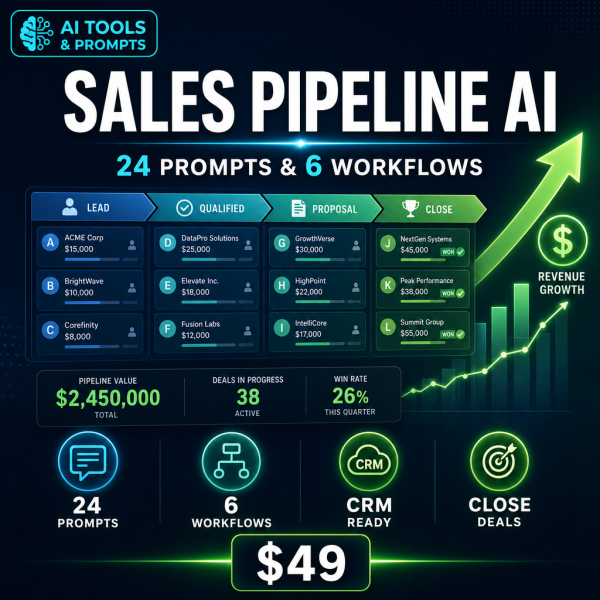
Most sales reps do not lose deals because they cannot sell — they lose them because pre-call research, follow-up emails and proposal drafts eat the hours that should go to the actual conversation. The Sales Pipeline Automation Toolkit hands that admin to an AI assistant you already have access to, using six structured workflow blueprints instead of a random list of prompts.
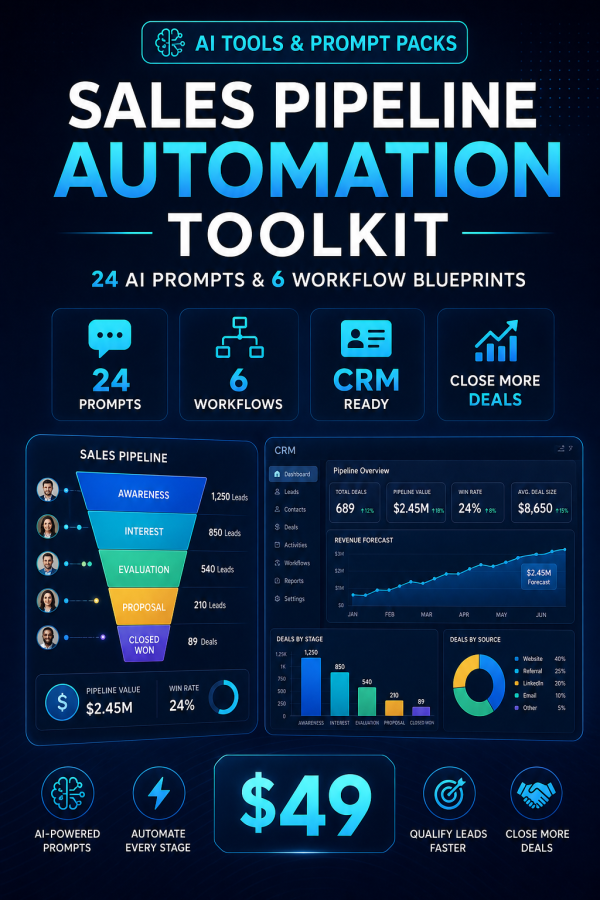
Each blueprint walks you through a real stage of the pipeline: researching a prospect before a call, turning that call into a follow-up and CRM update within the hour, producing a tailored proposal, running outbound sequences, closing and handing off a new account, and reviewing your pipeline honestly. The 24 prompts that support these blueprints come with usage notes, expected output, and customization tips, so you are not guessing what to type.
Key Features
- 20+ page implementation guide — six complete workflow blueprints with step-by-step setup and review checkpoints.
- 24 battle-tested prompts — each with usage guidance, expected output and customization tips.
- Copy-paste prompt file — every prompt in one plain-text file so you never retype them.
- Excel Planner & ROI Calculator — score your current sales workload and track hours and dollars saved on a live dashboard.
- Pre-Call Research Engine — build a one-page prospect brief in minutes instead of forty.
- Post-Call Follow-Through Machine — turn every call into a follow-up email, CRM note and next step within the hour.
- Proposal Production Line — draft tailored proposals in under an hour, with objection rehearsal built in.
- Outbound Prospecting & Referrals module — trigger-based sequences and a weekly referral system.
- Pipeline Analytics & Win/Loss module — honest forecasts and loss reviews that actually change your next quarter.
- Works with free ChatGPT — no paid AI subscription or extra sales software required.
What’s Included
9 files, delivered as one ZIP (PDF, XLSX, TXT).
- Product/ — Sales_Pipeline_Automation_Toolkit_Guide.pdf, Sales_Pipeline_Automation_Planner_And_ROI_Calculator.xlsx
- Editable/ — All_24_Prompts_Copy_Paste.txt
- Bonus/ — Bonus_Prompt_Formula_Guide.pdf, Bonus_Sales_Metrics_Benchmark_Guide.pdf, Bonus_Sales_Pipeline_Automation_Readiness_Checklist.pdf
- Documentation/ — Quick_Start_Guide.pdf, README.md
- License/ — License.txt
Who This Is For
- Founders who still sell — if you are closing your own deals while running the business.
- Freelancers and consultants — if proposals and follow-up eat the hours you should bill.
- Agency owners — if new business is inconsistent because outreach only happens when there is spare time.
- Small sales teams — if reps each run the pipeline their own way and nothing is repeatable.
- Anyone whose CRM is a graveyard — if deals go quiet because no one logged the next step.
Why Choose This Product
- Built around your actual pipeline stages — not a generic prompt list, but six blueprints matched to how deals really move.
- Honest effort and savings estimates — each module tells you what it actually takes to run, not an inflated promise.
- The ROI calculator makes the case for you — log your current admin hours and see the savings in real numbers before you commit to the system.
- No new software to learn — it runs entirely inside the AI assistant and spreadsheet tool you already have open.
How To Use
- Open Documentation/Quick_Start_Guide.pdf and follow the three-step start.
- Read Module 1 of the guide and run its first prompt from All_24_Prompts_Copy_Paste.txt with your own prospect details.
- Log your current sales admin hours in the Planner_And_ROI_Calculator.xlsx dashboard.
- Work through the remaining five modules at your own pace, one pipeline stage at a time.
- Use the Readiness Checklist bonus to confirm each module is actually running before moving to the next.
Frequently Asked Questions
What format are the files? One ZIP containing 9 files: five PDF guides, one Excel workbook and one plain-text prompt file, plus a README and licence.
Can I edit the files? Yes. The prompt file and the Excel planner are fully editable. The PDF guides are reference material meant to be read alongside them.
What software do I need? Any AI assistant that accepts text prompts — ChatGPT, Claude or Gemini — plus a spreadsheet app and a PDF reader. No paid AI subscription is required.
Is this for personal or commercial use? Both. The licence permits personal and commercial use, including running it inside your own business. Resale, redistribution or repackaging of the files is not permitted.
What is the refund policy? This is a digital download and is non-refundable once it has been downloaded. If a file is missing or corrupted, contact us and we will send a replacement.
Does this replace my CRM? No. It works alongside whatever CRM or spreadsheet you already track deals in; the prompts help you keep that system updated instead of ignored.
Do I need a paid ChatGPT plan? No. The workflows are written to work on the free tier of ChatGPT, though they also work fine with Claude or Gemini.
Is this part of a bigger toolkit? Yes, it is one module of the wider AI Business Automation family covering other business areas such as HR and content.
Bonus Materials
Three extras are included at no extra cost: the Sales Pipeline Automation Readiness Checklist, so you can confirm you are set up correctly before relying on the system; the Sales Metrics Benchmark Guide, so you know whether your close rate and cycle length are actually healthy; and the Prompt Formula Guide, which teaches the underlying structure so you can write new prompts of your own once the included 24 are not enough.





Reviews
There are no reviews yet.