


Product Overview
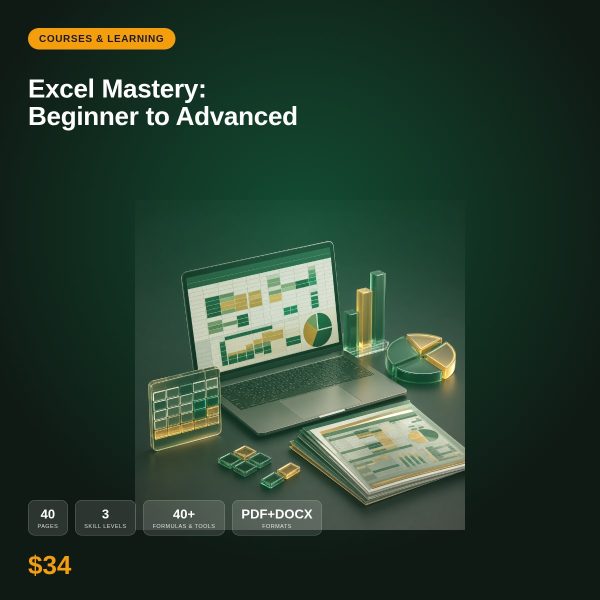
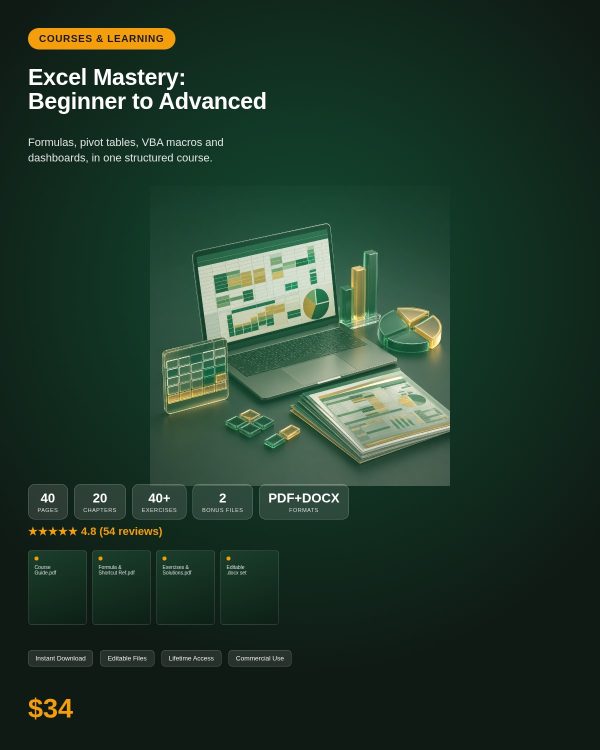
Most people learn Excel by trial and error, picking up a formula here and a shortcut there without ever seeing the full picture. Excel Mastery: Beginner to Advanced is a structured course that takes you from the interface and basic formulas through pivot tables, data analysis tools, and all the way to VBA macros and dashboard building, so you understand how the pieces fit together instead of memorizing isolated tricks.
The course is organized into three levels. Beginner level covers navigation, formatting, and essential formulas like SUM, IF, and COUNTIF. Intermediate level moves into lookup functions such as VLOOKUP, INDEX-MATCH, and XLOOKUP, plus pivot tables and What-If analysis. Advanced level covers VBA macros, Power Query, and building interactive dashboards with slicers and dynamic visuals. Each concept is explained in plain language with practical, worked examples rather than abstract theory.
Key Features
- Three structured levels covering beginner, intermediate, and advanced Excel skills in a logical progression.
- Essential formulas explained, including SUM, AVERAGE, COUNT, IF, SUMIF, and COUNTIF, each with a practical use case.
- Lookup functions covered in depth: VLOOKUP, HLOOKUP, INDEX-MATCH, and XLOOKUP.
- Pivot table training covering creation, customization, grouping, and calculated fields.
- Data analysis tools including data validation, What-If analysis, Goal Seek, and Solver.
- VBA macros from scratch: recording, editing, variables, loops, conditions, and UserForms.
- Power Query introduction for importing, transforming, and cleaning data automatically.
- Dashboard building with slicers, timelines, and dynamic charts for interactive reporting.
- Plain-language explanations throughout, aimed at learners rather than experienced developers.
- Personal and commercial licence so you can apply what you learn at work or in client projects.
What’s Included
This course is delivered as an instant digital download in PDF format, structured as a text-based course guide that walks through each of the three levels in order, from beginner formulas through advanced VBA and dashboards. Exact file counts and any additional practice files are confirmed on your download page after purchase; this description covers the course content and structure rather than an itemized file list.
Who This Is For
- Complete beginners who have never built a formula and want a clear starting point.
- Office and admin professionals who use Excel daily but never learned it formally.
- Analysts and finance staff who want to move from basic formulas into pivot tables and dashboards.
- Small business owners who want to track and analyze their own data without hiring help.
- Anyone preparing for a role that lists Excel or spreadsheet skills as a requirement.
Why Choose This Product
- One course, three skill levels — you do not need separate beginner and advanced products as your skills grow.
- Practical over theoretical — every formula and feature is explained with a real use case, not just syntax.
- Covers the skills that matter for a job, from everyday formulas to the VBA and dashboard skills that set candidates apart.
- Commercial licence included, so you can apply the techniques directly to your business or client reports.
How To Use
- Download the course PDF immediately after purchase and open it in any PDF reader.
- Work through the Beginner section first, practicing each formula in your own copy of Excel as you read.
- Progress to the Intermediate section once basic formulas and formatting feel comfortable, focusing on lookups and pivot tables.
- Move into the Advanced section for VBA macros, Power Query, and dashboard building once you are confident with the fundamentals.
Frequently Asked Questions
What format are the files? The course is delivered as a text-based PDF guide that you can read on any device with a PDF reader.
Can I edit the files? The course guide itself is reference material and is not intended to be edited; you apply the techniques inside your own Excel workbooks.
What software do I need? A PDF reader and Microsoft Excel. Most lessons also work in Google Sheets, though VBA macros are specific to Excel.
Is this for personal or commercial use? Both. The licence allows personal learning and use of the techniques in your business or client work. Resale or redistribution of the course material itself is not permitted.
What is the refund policy? This is a digital download and is non-refundable once it has been downloaded. If a file is missing or corrupted, contact us and we will send a replacement.
Do I need any prior Excel experience? No. The course starts at the interface and navigation level before moving into formulas, so complete beginners can start from the beginning.
Does this cover the newest Excel functions like XLOOKUP? Yes. XLOOKUP is covered alongside VLOOKUP and INDEX-MATCH in the intermediate section.
Will I be able to build my own dashboard after finishing? Yes. The advanced section walks through building interactive dashboards using slicers, timelines, and dynamic chart ranges.
Bonus
The course includes a keyboard shortcut reference covering commonly used shortcuts for faster navigation and formatting, so you can build speed in Excel alongside the formula and feature knowledge you gain from the main lessons.




Reviews
There are no reviews yet.