

Product Overview
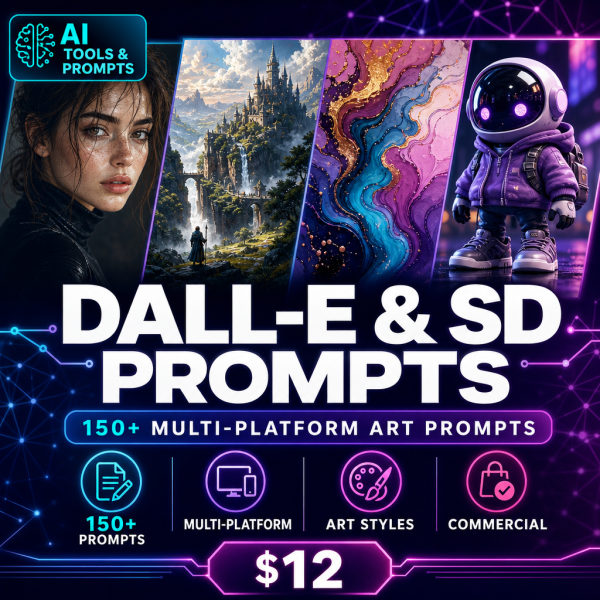
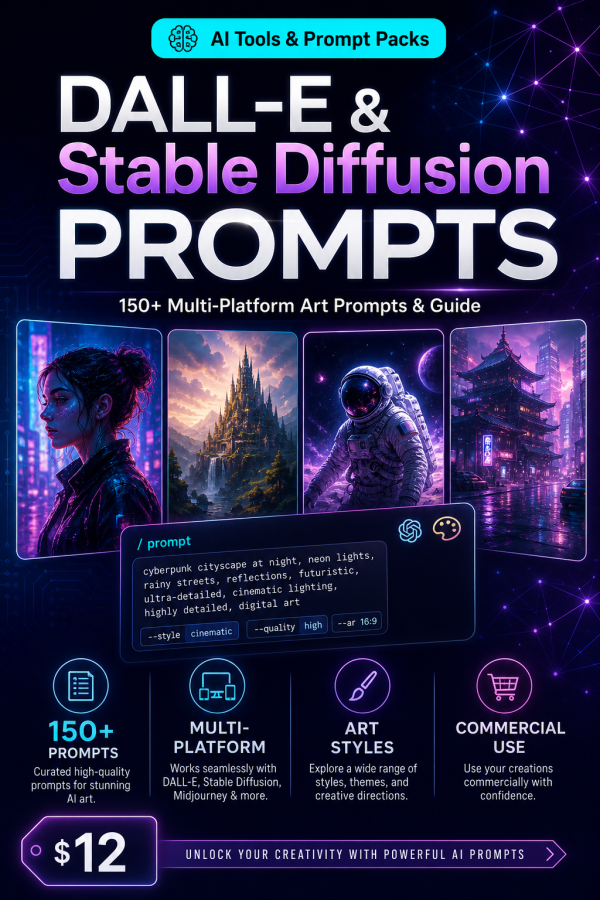
DALL-E and Stable Diffusion respond to prompts differently, and a prompt that works well on one often needs adjustment on the other. The DALL-E & Stable Diffusion Art Prompts pack solves that with 150+ prompts, separate mastery guides for each platform, and a Cross-Platform Workflow Comparison that explains exactly what changes when you move between them.
Three editable spreadsheets track your generation settings, compare model outputs, and convert prompts from one platform’s syntax to the other, so you spend less time reformatting and more time generating. It is built for anyone who works across multiple AI image tools rather than committing to just one.
Key Features
- 150+ curated prompts in the 150 Plus Prompt Collection, organized by style.
- DALL-E 3 Mastery Guide covering platform-specific prompt techniques.
- Stable Diffusion Complete Guide covering models, samplers and parameters.
- Cross-Platform Workflow Comparison explaining differences in prompting between the two.
- Prompt Library Converter (XLSX) for adapting prompts between platforms.
- Model Comparison Matrix (XLSX) for evaluating outputs side by side.
- Generation Settings Tracker (XLSX) to log the parameters behind your best results.
- Bonus ControlNet Advanced Techniques guide for precise composition control in Stable Diffusion.
- Bonus Platform Migration Cheat Sheet for switching tools quickly.
What’s Included
12 files, delivered as one ZIP (PDF, XLSX, MD, TXT).
- Product/ — 150_Plus_Prompt_Collection.pdf, Cross_Platform_Workflow_Comparison.pdf, DALLE_3_Mastery_Guide.pdf, Stable_Diffusion_Complete_Guide.pdf
- Editable/ — Generation_Settings_Tracker.xlsx, Model_Comparison_Matrix.xlsx, Prompt_Library_Converter.xlsx
- Bonus/ — ControlNet_Advanced_Techniques.pdf, Platform_Migration_Cheat_Sheet.pdf
- Documentation/ — Quick_Start_Guide.pdf, README.md
- License/ — License.txt
Who This Is For
- Creators who use more than one AI image tool and want prompts that work on both.
- Designers exploring Stable Diffusion’s advanced controls such as ControlNet.
- DALL-E users who want a structured mastery guide instead of scattered tips.
- Freelancers doing commercial AI art work across client platforms.
- Anyone switching from one AI image platform to another and wanting to keep their prompt library usable.
Why Choose This Product
- Covers two platforms properly — separate mastery guides rather than one generic guide stretched across both.
- Cross-platform comparison included — you learn what to change when moving a prompt, not just guess.
- Prompt converter tool — the XLSX converter speeds up adapting your existing prompts to a new platform.
- Commercial licence included — use the prompts and guides in paid client and business work.
How To Use
- Open Documentation/Quick_Start_Guide.pdf to see the recommended path through the guides.
- Read Cross_Platform_Workflow_Comparison.pdf to understand the differences before you generate.
- Try prompts from 150_Plus_Prompt_Collection.pdf using either DALLE_3_Mastery_Guide.pdf or Stable_Diffusion_Complete_Guide.pdf.
- Log settings that produce good results in Generation_Settings_Tracker.xlsx.
- Use Prompt_Library_Converter.xlsx when moving prompts between platforms.
Frequently Asked Questions
What format are the files? One ZIP with 12 files: seven PDF guides, three editable XLSX tools, a README (MD) and the licence (TXT).
Can I edit the files? Yes, the three XLSX tools are fully editable. The PDF guides are formatted for reading and are not designed for text editing.
What software do I need? A PDF reader, a spreadsheet app, and access to DALL-E and/or Stable Diffusion to generate images from the prompts.
Is this for personal or commercial use? Both. The licence permits personal and commercial use of the prompts and templates, including client work. Resale or redistribution of the prompt collection itself is not permitted.
What is the refund policy? As a digital download, the product is non-refundable once downloaded. If a file is missing or corrupted, contact us and we will send a replacement.
Do I need both DALL-E and Stable Diffusion to use this? No, each platform has its own dedicated guide and prompts, so you can use just one if you prefer.
What is ControlNet and do I need it? ControlNet is an optional Stable Diffusion tool for precise composition control, covered in the bonus Advanced Techniques guide; it is not required for the core prompts.
Do I own the images I generate? Generated images are subject to each platform’s own Terms of Service, separate from this product’s licence.
Bonus Materials
Two bonus guides are included: the ControlNet Advanced Techniques guide, for precise pose and composition control in Stable Diffusion, and the Platform Migration Cheat Sheet, a fast reference for moving your workflow between DALL-E and Stable Diffusion.










Reviews
There are no reviews yet.