


Product Overview
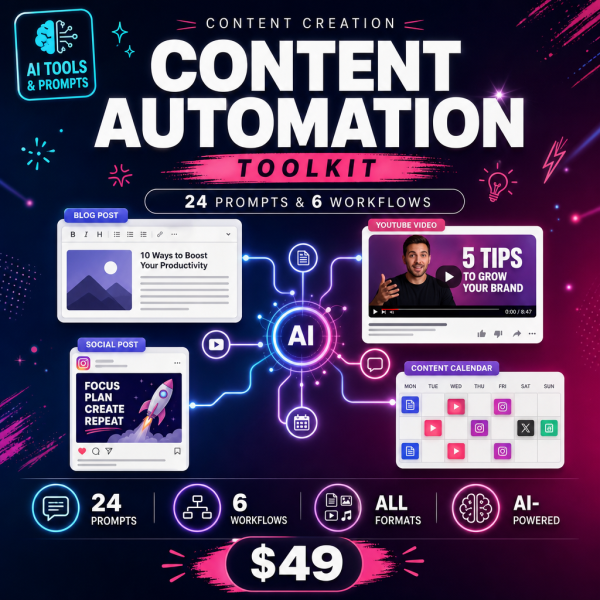
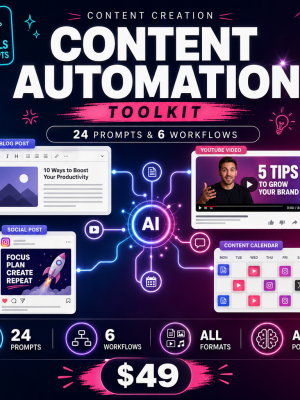
Most AI content tools produce generic paragraphs that could belong to any company. The Content Creation Automation Toolkit takes the opposite approach: it starts from what only you know, then uses six structured workflows to turn that expertise into articles, newsletters and lead magnets, with the AI assistant you already use doing the structuring and polishing, never the substance.
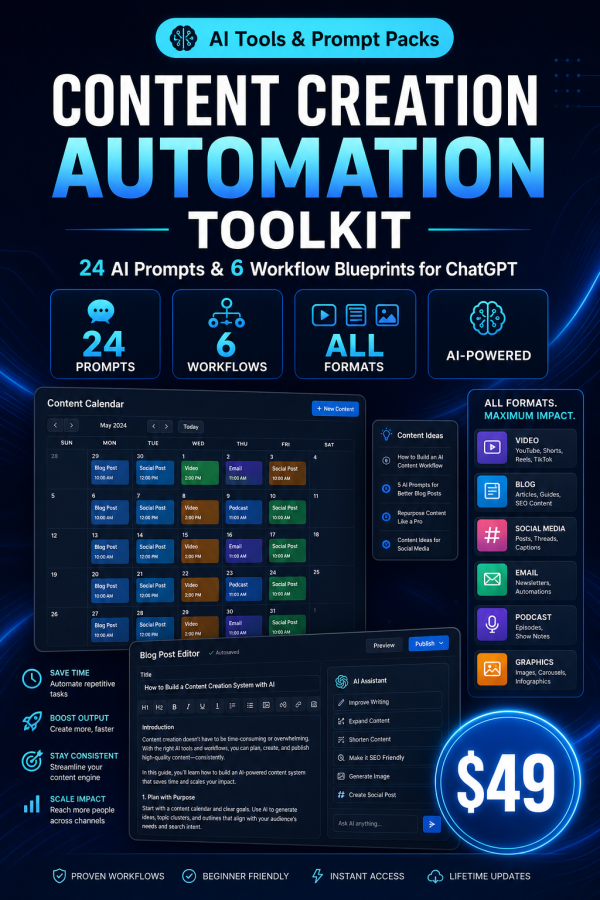
The six modules cover the real publishing pipeline, from developing an article angle through a self-interview process, to running a fixed-format weekly newsletter, building genuinely complete lead magnets, keeping an idea backlog fed by real audience questions, repurposing one flagship piece into a month of derivatives, and reviewing what actually performed. The 24 supporting prompts include usage guidance, expected output and customization notes.
Key Features
- 20+ page implementation guide — six complete workflow blueprints with step-by-step setup and review checkpoints.
- 24 battle-tested prompts — each with usage guidance, expected output and customization tips.
- Copy-paste prompt file — every prompt collected in one plain-text file.
- Excel Planner & ROI Calculator — score your content workload and track hours and dollars saved on a live dashboard.
- Expertise-First Article Pipeline — angle development and self-interviews that keep drafts traceable to your real experience.
- Newsletter System module — a fixed format, one 90-minute weekly session, and subject lines built to earn opens.
- Lead Magnet Factory module — evidence-ranked ideas and genuinely complete magnets with landing page copy.
- Content Strategy & Idea Engine — insight logs, audience question research and quarterly roadmaps.
- Repurposing & Distribution module — turn one flagship piece into a month of derivative content.
- Works with free ChatGPT — no paid AI subscription or extra content software required.
What’s Included
9 files, delivered as one ZIP (PDF, XLSX, TXT).
- Product/ — Content_Creation_Automation_Toolkit_Guide.pdf, Content_Creation_Automation_Planner_And_ROI_Calculator.xlsx
- Editable/ — All_24_Prompts_Copy_Paste.txt
- Bonus/ — Bonus_Content_Creation_Automation_Readiness_Checklist.pdf, Bonus_Content_Metrics_Benchmark_Guide.pdf, Bonus_Prompt_Formula_Guide.pdf
- Documentation/ — Quick_Start_Guide.pdf, README.md
- License/ — License.txt
Who This Is For
- Founders with real expertise and no time — if you know your subject but never get around to writing about it.
- Consultants and freelancers — if content is meant to bring in leads but keeps sliding down the priority list.
- Marketers running a one-person content function — if you are expected to publish like a team of five.
- Newsletter writers — if the weekly send takes half a day instead of ninety minutes.
- Anyone tired of content that reads like everyone else’s AI output — if you want articles that sound like you wrote them.
Why Choose This Product
- The anti-slop rule is enforced throughout — the AI never invents facts, experience or statistics; it only structures what you provide.
- Covers the whole pipeline, not just drafting — idea generation, writing, repurposing and analytics in one system.
- Honest effort and savings estimates — each module states what it actually takes to run, not an inflated promise.
- The ROI calculator makes the case for you — log your current content hours and see the savings in the live dashboard.
How To Use
- Open Documentation/Quick_Start_Guide.pdf and follow the three-step start.
- Read Module 1 of the guide and run its first prompt from All_24_Prompts_Copy_Paste.txt using one of your own ideas or areas of expertise.
- Log your current content workload in the Planner_And_ROI_Calculator.xlsx dashboard.
- Work through the remaining five modules in the order they occur in a normal publishing cycle.
- Use the Readiness Checklist bonus to confirm a module is actually working before you build a whole content calendar on it.
Frequently Asked Questions
What format are the files? One ZIP containing 9 files: five PDF guides, one Excel workbook and one plain-text prompt file, plus a README and licence.
Can I edit the files? Yes. The prompt file and the Excel planner are fully editable. The PDF guides are reference material.
What software do I need? Any AI assistant that accepts text prompts — ChatGPT, Claude or Gemini — plus a spreadsheet app and a PDF reader. No paid AI subscription is required.
Is this for personal or commercial use? Both. The licence permits personal and commercial use, including publishing content for your own business or clients. Resale, redistribution or repackaging of the files is not permitted.
What is the refund policy? This is a digital download and is non-refundable once it has been downloaded. If a file is missing or corrupted, contact us and we will send a replacement.
Will this write content without my input? No. Every workflow starts from your own facts, opinions or experience; the AI never fabricates substance, which is the whole point of the anti-slop rule.
Do I need a paid ChatGPT plan? No. The workflows are written to work on the free tier of ChatGPT, though they also work with Claude or Gemini.
Is this part of a bigger toolkit? Yes, it is one module of the wider AI Business Automation family that also covers sales, HR and other business areas.
Bonus Materials
Three extras are included at no extra cost: the Content Creation Automation Readiness Checklist, so you confirm your setup before committing to a publishing schedule; the Content Metrics Benchmark Guide, so you know whether your open rates and engagement are actually healthy; and the Prompt Formula Guide, which teaches the underlying structure so you can write new prompts once the included 24 are not enough.





Reviews
There are no reviews yet.