

Product Overview
Growing a YouTube channel takes more than hitting record. Between video ideas, titles, thumbnails, scripts, SEO tags, the Community tab and analytics, content planning alone can eat up as much time as filming.
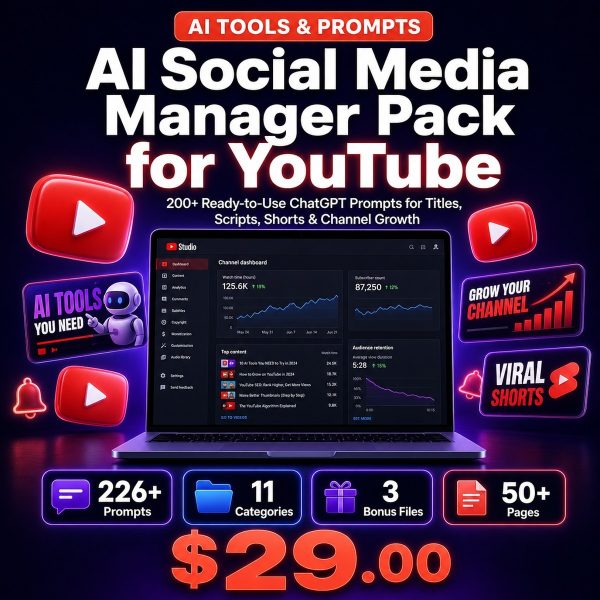
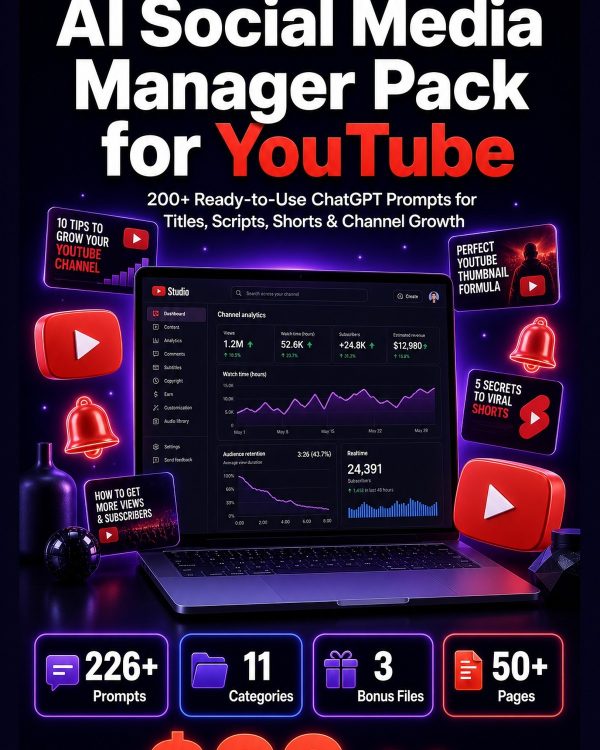
The YouTube AI Social Media Manager Pack turns any AI assistant into a channel strategist with 200+ prompts covering every stage of the process, each with [BRACKETED] placeholders so the output matches your niche, audience and video length.
Key Features
- 200+ YouTube-specific prompts — organized across 11 chapters covering titles, thumbnails, scripts, Shorts, SEO and monetization.
- Main Guide (PDF) — numbered prompt cards with customization placeholders and expert tips.
- Complete Prompt Library (TXT) — every prompt in plain text, ready to paste into ChatGPT, Claude or Gemini.
- Categorized Spreadsheet (XLSX) — filter prompts by chapter, section and tag for fast lookup.
- Top 50 Quick Reference Card — a printable cheat sheet of the most-used titling and scripting prompts.
- 30-Day Content Calendar (XLSX) — daily themes, video ideas, formats and calls to action.
- YouTube Growth Strategy Guide — algorithm mechanics, content pillars, key metrics and a 90-day action plan.
- Personal and commercial licence — use it for your own channel or for client and agency work.
What’s Included
9 files, delivered as one ZIP (PDF, TXT, XLSX).
- Product/ — AI_Social_Media_Manager_Pack_for_YouTube.pdf — the main guide with 200+ prompts across 11 YouTube chapters
- Editable/ — YouTube_Prompts_Complete.txt (plain-text prompt library) and YouTube_Prompts_Categorized.xlsx (filterable spreadsheet)
- Bonus/ — YouTube_Growth_Strategy_Guide.pdf, YouTube_Top_50_Quick_Reference_Card.pdf and YouTube_30_Day_Content_Calendar.xlsx
- Documentation/ — Quick_Start_Guide.pdf and README.txt
- License/ — License.txt
Who This Is For
- New YouTube creators who need a structured way to plan their first 30 videos.
- Established channel owners looking to scale past a plateau with better titles, hooks and SEO.
- Content marketers who manage a brand’s YouTube channel alongside other platforms.
- Video producers and editors who need scripting and structure prompts, not just filming help.
- Social media managers and agencies running YouTube for multiple clients.
Why Choose This Product
- Full pipeline covered — from video ideas and titles through scripts, SEO, Shorts and monetization, not just one stage.
- Actionable, specific output — each prompt is engineered to produce a usable script, title list or calendar, not vague suggestions.
- Shorts included — dedicated prompts for the Shorts shelf algorithm alongside long-form video prompts.
- Growth strategy included — algorithm mechanics, common mistakes and a 90-day plan beyond just content prompts.
How To Use
- Unzip the download and open Documentation/Quick_Start_Guide.pdf first.
- Pick a chapter in YouTube_Prompts_Categorized.xlsx based on your goal, such as titles, scripts or SEO.
- Copy the prompt, replace the [BRACKETED] placeholders with your niche, audience and video topic, then paste it into ChatGPT.
- Slot finished ideas into the 30-Day Content Calendar and follow the Growth Strategy Guide to track channel metrics.
Frequently Asked Questions
What format are the files? One ZIP containing 9 files: the main PDF guide, a plain-text prompt library, two XLSX spreadsheets, three bonus PDFs and a README.
Can I edit the files? Yes. The prompt text in the TXT and XLSX files is fully editable, and every prompt’s [BRACKETED] placeholders are meant to be replaced with your own details before use.
What software do I need? Any AI chat assistant such as ChatGPT, Claude or Gemini, plus a PDF reader and a spreadsheet app (Excel, Google Sheets or LibreOffice Calc) to open the XLSX files.
Is this for personal or commercial use? Both. The licence permits personal and commercial use, including client and agency work. Resale, redistribution or repackaging of the files themselves is not permitted.
What is the refund policy? As a digital download the pack is non-refundable once it has been downloaded. If a file is missing or corrupted, contact us and we will send a replacement.
Does this pack help with thumbnail design, not just titles? It provides thumbnail concept and text prompts to plan the visual alongside the title, but it does not include design software or template files.
Is this pack useful for YouTube Shorts only, or long-form too? Both. A dedicated chapter covers Shorts scripting and optimization, while the remaining chapters cover long-form ideas, scripts, SEO and channel strategy.
Do I need a large subscriber count for these prompts to work? No. The growth guide and prompts are written for channels at any stage, from a first upload to scaling past 100,000 subscribers.
Bonus Materials
Three extras come at no additional cost: the YouTube Top 50 Quick Reference Card for the titling and scripting prompts you will reuse most, the 30-Day Content Calendar so a month of videos is already planned, and the YouTube Growth Strategy Guide covering the algorithm, key metrics and a 90-day action plan.


Reviews
There are no reviews yet.